
Disclosure: As an Amazon Associate I earn from qualifying purchases.
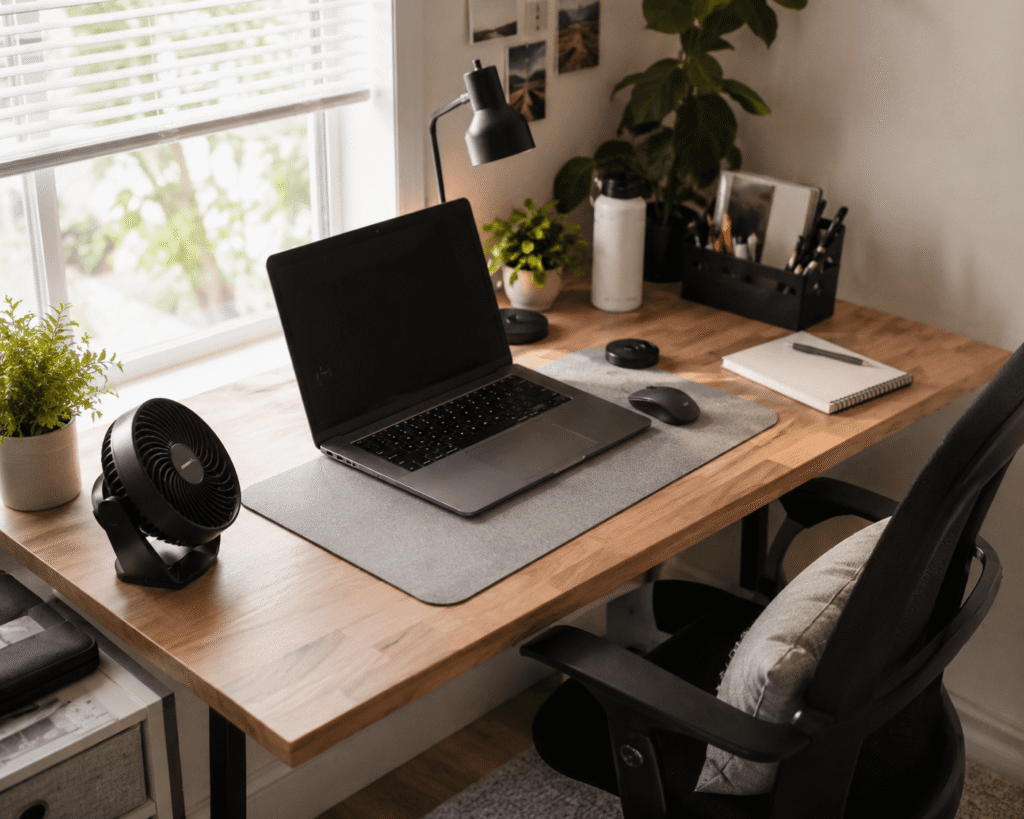
A hot desk setup can make even simple work feel harder than it should. Your laptop gets warm, the room feels stuffy, your hands feel uncomfortable, and staying focused becomes more difficult.
The good news is that you do not need to redesign your whole workspace to feel better. A few small cooling upgrades can make your desk more comfortable, especially if you work from home, study for long hours, or use a small setup with limited airflow.
If you are already trying to improve your workspace, temperature is part of the equation. A cooler desk can support better focus, cleaner organization, and a more comfortable daily routine. For more setup inspiration, these clean desk setup ideas can pair well with the cooling upgrades below.
Quick Picks
- Best overall: Amazon Basics Air Circulator Fan
- Best budget option: TriPole USB Desk Fan
- Best for small desks: JOEY’Z Clip-On Fan
Prices are approximate and may change. Ratings and review counts reflect current product data.
Best Fans for Cooling Your Desk
Amazon Basics Air Circulator Fan

The Amazon Basics Air Circulator Fan is a solid choice if you want stronger airflow without overcomplicating your setup. A simple option like this can help move air around your desk, bedroom, or home office.
It has multiple speed settings and an adjustable tilt head, which makes it useful if your workspace tends to feel warm in the afternoon. It is best for people who want noticeable airflow rather than a tiny personal breeze.
For example, if your desk sits near a window or your room traps heat during the day, this fan can make your workspace feel less stuffy.
If you just want a quick upgrade, this type of cooling fan is a no-fuss addition to most desks.
A simple addition that makes your desk feel more comfortable right away.
TriPole USB Desk Fan

The TriPole USB Desk Fan is a compact personal fan for people who want something affordable and easy to place. A budget-friendly option like this works well on small desks, dorm desks, and temporary workstations.
It is USB powered, so it can plug into a laptop, monitor hub, power bank, or desktop setup. The small size makes it useful if you do not want another bulky item taking over your workspace.
This is best for students, remote workers, or anyone who wants direct airflow while typing, studying, or working through warm afternoons.
If your desk space is tight, something like this keeps things simple without changing your whole setup.
Easy to add without taking over your desk.
JOEY’Z Clip-On Fan

The JOEY’Z Clip-On Fan is useful when you want airflow but do not want to lose desk surface space. A space-saving option like this can attach to the edge of a desk, shelf, or nearby surface.
That makes it especially helpful for small desk setups where every inch matters. Instead of sitting in the middle of your workspace, it stays out of the way while still improving airflow.
It is best for compact home offices, dorm rooms, and shared work areas.
If you are building a cleaner setup, this pairs naturally with other desk organization ideas because it helps reduce clutter on the desktop itself.
A no-fuss upgrade you can notice during long work sessions.
Vornado Flippi V6 Fan

The Vornado Flippi V6 Fan is a compact air circulator with a cleaner, more minimal look. A tool like this is useful if you want airflow without making your desk look messy.
It is designed for desks, bedrooms, and small personal spaces. The adjustable head and compact shape make it easy to aim where you need it.
This is best for people who want a small fan that feels more polished than a basic mini fan.
For example, if you keep your desk setup visible in video calls or content creation, something like this can fit in without looking distracting.
One of those upgrades that makes your setup feel more comfortable and intentional.
Best Cooling Gadgets for Long Work Sessions
JISULIFE Portable Neck Fan

The JISULIFE Portable Neck Fan is a hands-free cooling option for people who run warm while working. A personal cooling tool like this cools you directly instead of trying to cool the entire room.
It is useful during long study sessions, work blocks, chores, or video editing sessions where you do not want a fan blowing papers around your desk.
This is best for people with limited desk space or anyone who wants cooling that follows them around the room.
If you often move between your desk, kitchen, and couch during work breaks, something like this gives you more flexibility than a fixed desk fan.
Easy to add without changing your workspace at all.
havit Laptop Cooling Pad
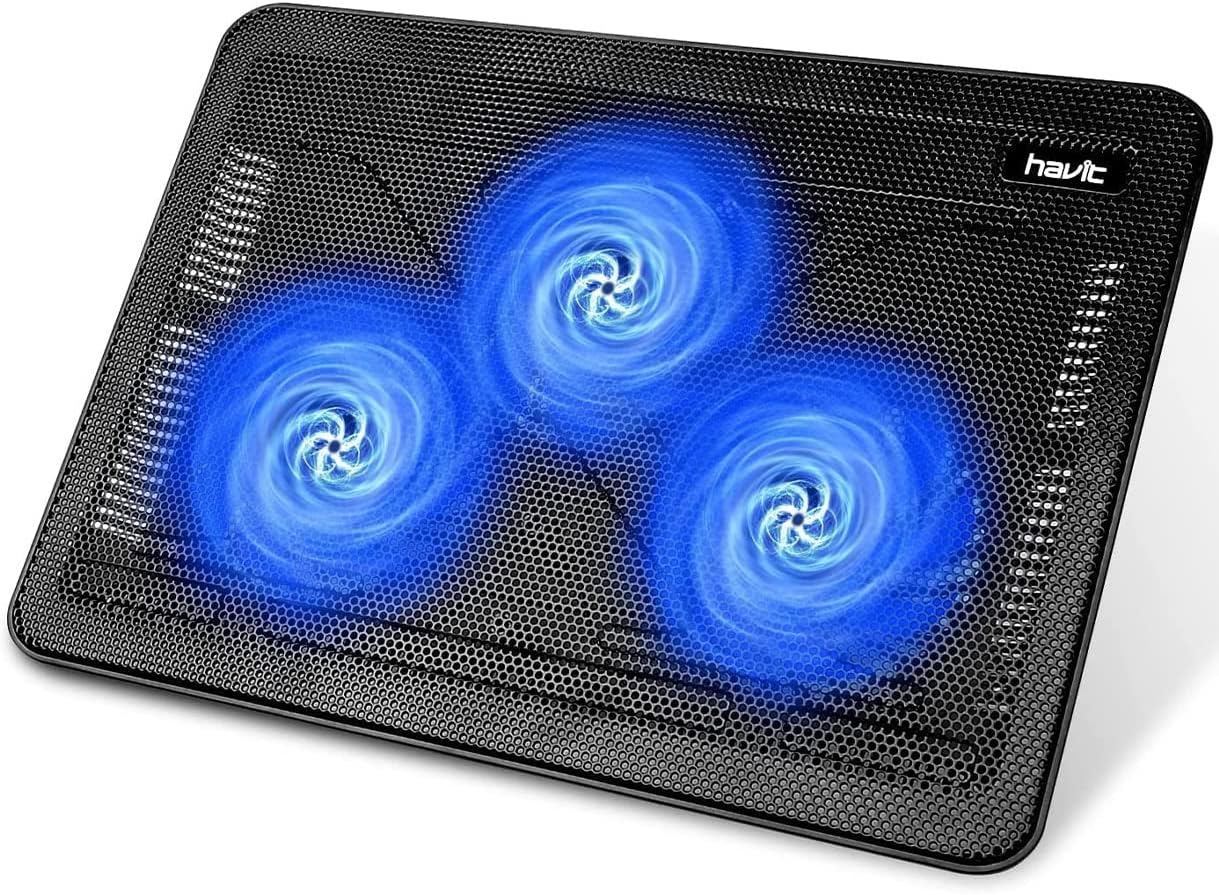
The havit Laptop Cooling Pad is designed to help reduce heat buildup under a laptop. This type of upgrade is useful if your laptop gets warm during long work sessions, streaming, gaming, or content editing.
It uses built-in fans to improve airflow underneath the device. That can make your laptop area feel more comfortable and may help reduce the heat you feel around your keyboard.
This is best for laptop users who spend several hours at a desk every day.
If your laptop is your main workstation, a cooling pad like this is one of the easiest ways to improve comfort without buying a new desk.
A practical addition that supports a cooler, more comfortable laptop setup.
Kensington Duo Gel Mouse Pad

The Kensington Duo Gel Mouse Pad adds wrist support and a more comfortable surface for daily computer use. A simple desk comfort upgrade like this can help if your wrist or palm gets uncomfortable during long sessions.
While it is not a fan, the gel surface can feel more comfortable than resting your hand directly on a warm or hard desk surface.
It is best for office workers, students, writers, and anyone using a mouse for hours at a time.
For example, if your hand starts feeling tired during spreadsheet work, writing, or editing, something like this can make your setup feel more supportive.
One of those small upgrades you notice quickly.
5 STARS UNITED Cooling Gel Seat Cushion

The 5 STARS UNITED Cooling Gel Seat Cushion is for improving comfort beyond the desktop itself. A chair upgrade like this can help if your seat gets warm or uncomfortable during long workdays.
It combines memory foam with cooling gel, making it useful for office chairs, gaming chairs, and home desk chairs.
This is best for people who sit for long periods and want better comfort without replacing their entire chair.
If your desk feels fine but your chair makes work uncomfortable after a few hours, a cushion like this is an easy, low-risk upgrade.
A simple addition that can make long work sessions feel more manageable.
Best Cooling Additions for Cleaner Setups
Arctic Air Pure Chill 2.0

The Arctic Air Pure Chill 2.0 is a portable evaporative cooler designed for small personal spaces. A compact cooler like this can be useful if a regular fan does not feel like enough.
It is best for people who want localized cooling near a desk, nightstand, or small room area. Since it is not a full-room air conditioner, it works better as a personal cooling aid than a whole-room solution.
This can be useful if your home office gets warm during the afternoon and you want something stronger than a basic desk fan.
Because the rating is lower than some other products here, it is worth keeping expectations realistic. Something like this may be best if you specifically want a small evaporative cooler rather than just airflow.
A practical option for targeted cooling in a warm workspace.
Legion Gaming XL Cloth Mouse Pad
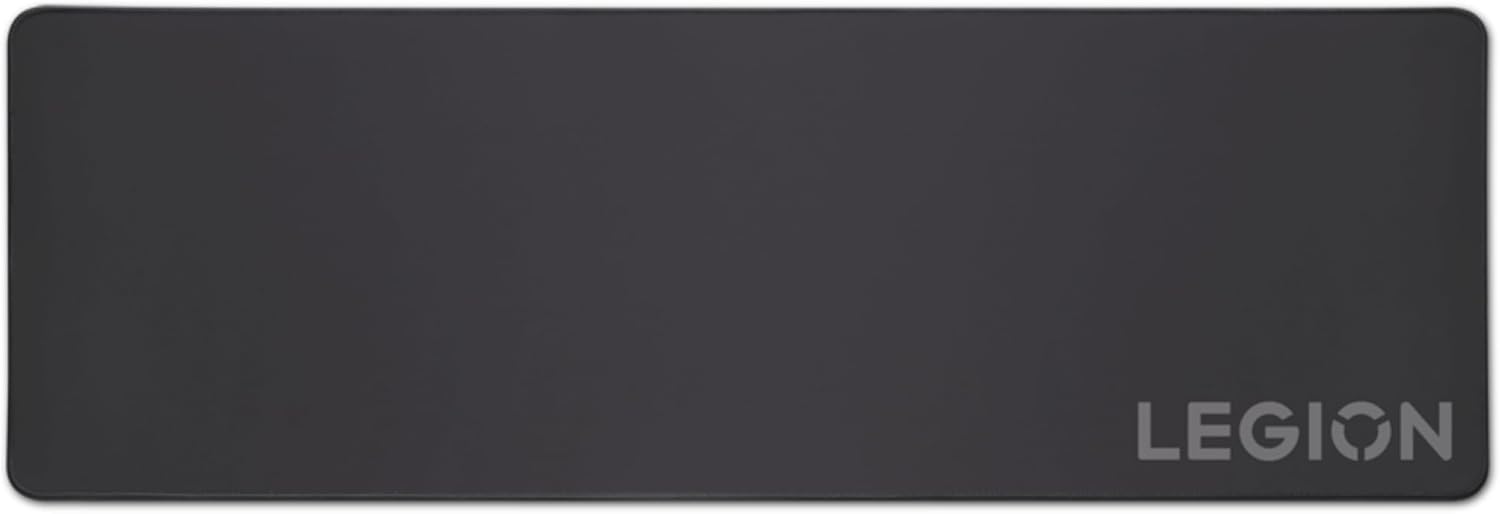
The Legion Gaming XL Cloth Mouse Pad gives you a larger, smoother surface for your keyboard and mouse. A desk mat like this can make your setup feel cleaner, more unified, and more comfortable to use.
It is not an active cooling gadget, but a cloth surface can feel better than a warm, sticky, or uneven desk surface during long sessions.
This is best for people who want a cleaner desk layout while improving daily comfort.
If your keyboard, mouse, and accessories feel scattered, something like this can help create a more organized workspace. You can also combine it with other budget home office accessories for a more complete setup.
Easy to add without changing your entire desk.
What to Look For Before Buying
Before choosing a cooling gadget, keep the decision simple.
First, think about where the heat problem is coming from. If the whole room feels stuffy, an air circulator or portable cooler may help. If your laptop gets hot, a cooling pad makes more sense. If you personally feel overheated, a neck fan or compact desk fan may be the easiest fix.
Second, consider your desk space. Small setups usually benefit from USB fans, clip-on fans, or wearable cooling options. Larger desks can handle air circulators or bigger fans more easily.
Third, pay attention to noise. If you take calls, record content, or study in silence, a quieter fan matters more than raw power.
Finally, do not overthink it. A small, affordable cooling upgrade can still make your workspace feel better. If you are improving your desk on a budget, this guide on how to upgrade your desk without spending too much can help you choose simple upgrades without overbuying.
Final Thoughts
A cooler desk setup can make work feel easier, cleaner, and less draining. You do not need a perfect office or expensive equipment to improve daily comfort.
For most people, the best choice is simple: add a small fan, improve laptop airflow, or make your chair and desk surface more comfortable.
The right cooling gadget should fit naturally into your setup, reduce distractions, and make long work sessions feel more manageable.