
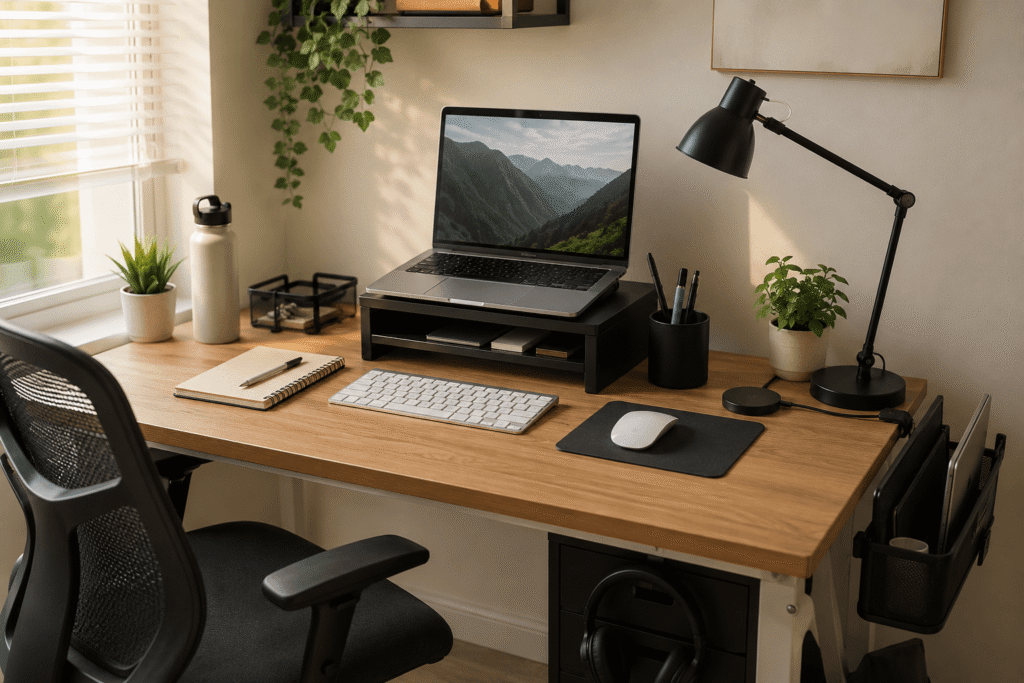
Disclosure: As an Amazon Associate I earn from qualifying purchases.
A cluttered desk can make even simple tasks feel harder than they should.
You sit down to work, but there are cables everywhere, random accessories taking up space, and barely enough room for your keyboard or notebook. Even if your desk technically “works,” it can still feel mentally exhausting.
The good news is that most cluttered setups are caused by a few common mistakes, and many of them are easy to fix with small upgrades.
If you want more practical ideas for a cleaner workspace, you can also explore these desk organization ideas before changing your whole setup.
Quick Picks
- Best overall: OPNICE Monitor Stand Organizer
- Best budget option: Yootech Wireless Charging Pad
- Best for small desks: TECKNET Vertical Laptop Stand
Prices are approximate and may change. Ratings and review counts reflect current product data.
Mistake #1: Letting Everything Sit Directly on the Desk
One of the biggest reasons desks feel crowded is that every item lives on the main surface.
When your monitor, notebook, charger, headphones, and accessories all compete for the same space, your desk starts feeling smaller than it actually is.
OPNICE Monitor Stand Organizer

A simple option like this monitor stand organizer helps create vertical space while giving you extra storage under your screen.
It lifts your monitor to a more comfortable viewing height and gives you a drawer plus pen holders for small desk items. That makes it useful for remote workers, students, or anyone who keeps notebooks, pens, and tech accessories scattered around.
If you usually push your keyboard aside every time you need space, this type of upgrade gives your desk a more defined layout.
A no-fuss option like this works well if you want storage without adding a bulky shelf.
A simple addition that makes your desk feel more organized right away.
PEGZONE Desk Side Organizer

A simple organizer like this desk side organizer keeps larger items off the surface while still keeping them close.
It clamps onto the side of the desk and gives you extra storage for a laptop, accessories, or small gear. That makes it especially useful for smaller desks where every inch of surface space matters.
If your laptop takes up space even when you are using an external monitor, this can move it out of the way without putting it across the room.
A space-saving option like this works well for small home offices and bedroom workstations.
One of those upgrades you notice almost immediately.
Mistake #2: Ignoring Cable and Tech Clutter
Even clean desks can look messy when cables are visible.
Loose charging wires, monitor cables, and power strips create visual noise that makes setups feel chaotic fast.
If you’re working with a smaller desk setup, these easy desk organization ideas for small home offices can help you think about space more clearly.
Litwaro Under Desk Cable Tray

A simple tool like this under desk cable tray hides cables underneath the desk instead of letting them pile up behind your monitor.
It is useful because it gives your power strip, chargers, and extra cords a cleaner place to sit. Instead of seeing wires every time you sit down, most of the mess stays below the work surface.
If you have a standing desk, dual monitor setup, or multiple chargers, this type of upgrade can make a big visual difference.
Something like this cable management tray is one of the easiest ways to make a desk look more intentional.
A solid, no-fuss addition to most desks.
Yootech Wireless Charging Pad
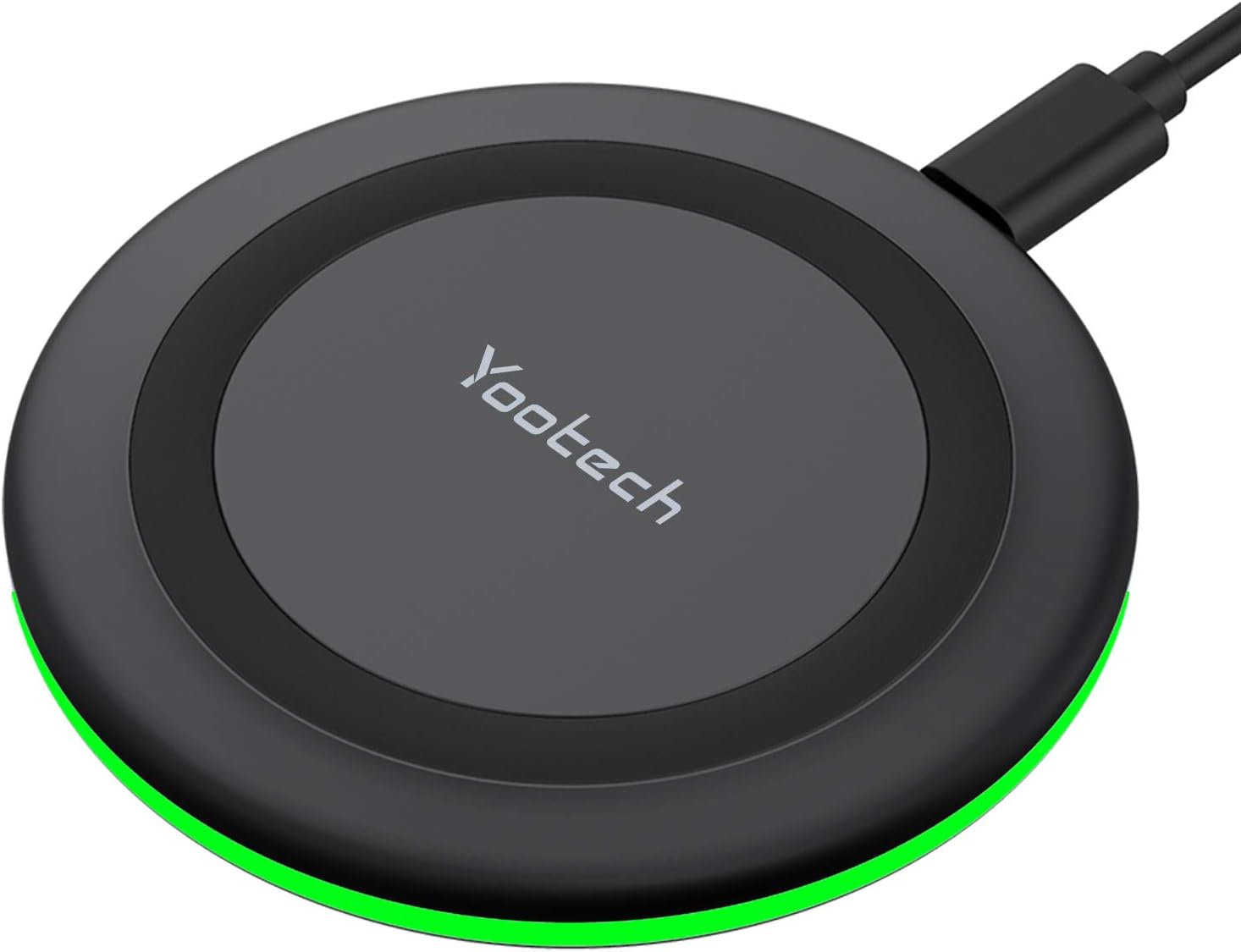
A budget-friendly option like this wireless charging pad reduces the number of loose charging cables sitting on your desk.
It is useful for keeping your phone or earbuds charged without constantly plugging and unplugging cords. For small setups, that can instantly make the desk feel less messy.
If your phone charger always ends up tangled with your keyboard cable or lamp cord, this is a simple fix.
A quick upgrade like this works well if you want a cleaner desk without changing your entire layout.
Easy to add without changing your whole setup.
TECKNET Vertical Laptop Stand

Something like this vertical laptop stand is useful if your laptop takes up space even when you are not actively using it.
It stores your laptop upright, which frees up room for your keyboard, mouse, notebook, or other daily tools. This is best for people who connect their laptop to an external monitor and want a cleaner setup.
For example, instead of leaving your laptop half-open beside your monitor all day, you can store it vertically and reclaim that surface area.
A small desk solution like this can make your setup feel much less crowded.
One of the easiest ways to improve a compact workspace.
Mistake #3: Forgetting Comfort and Daily Workflow
A cluttered desk is not always just an organization problem.
Sometimes the setup feels messy because it is uncomfortable. When your posture is awkward or lighting is poor, you keep shifting things around instead of settling into the workspace.
For more affordable upgrades, you can also check these desk gadgets under $25 that actually improve productivity.
Voncerus LED Clamp Desk Lamp

A tool like this clamp desk lamp can improve visibility without taking up valuable desk space.
Because it clamps to the desk, it avoids the bulky base that many traditional lamps have. That makes it helpful for studying, writing, editing, or working in darker rooms.
If you usually move things around just to make room for a lamp, this type of upgrade keeps the light source useful without eating up your workspace.
A simple option like this is especially practical for small desks and shared rooms.
One of those upgrades you notice almost immediately.
StepLively Ergonomic Foot Rest
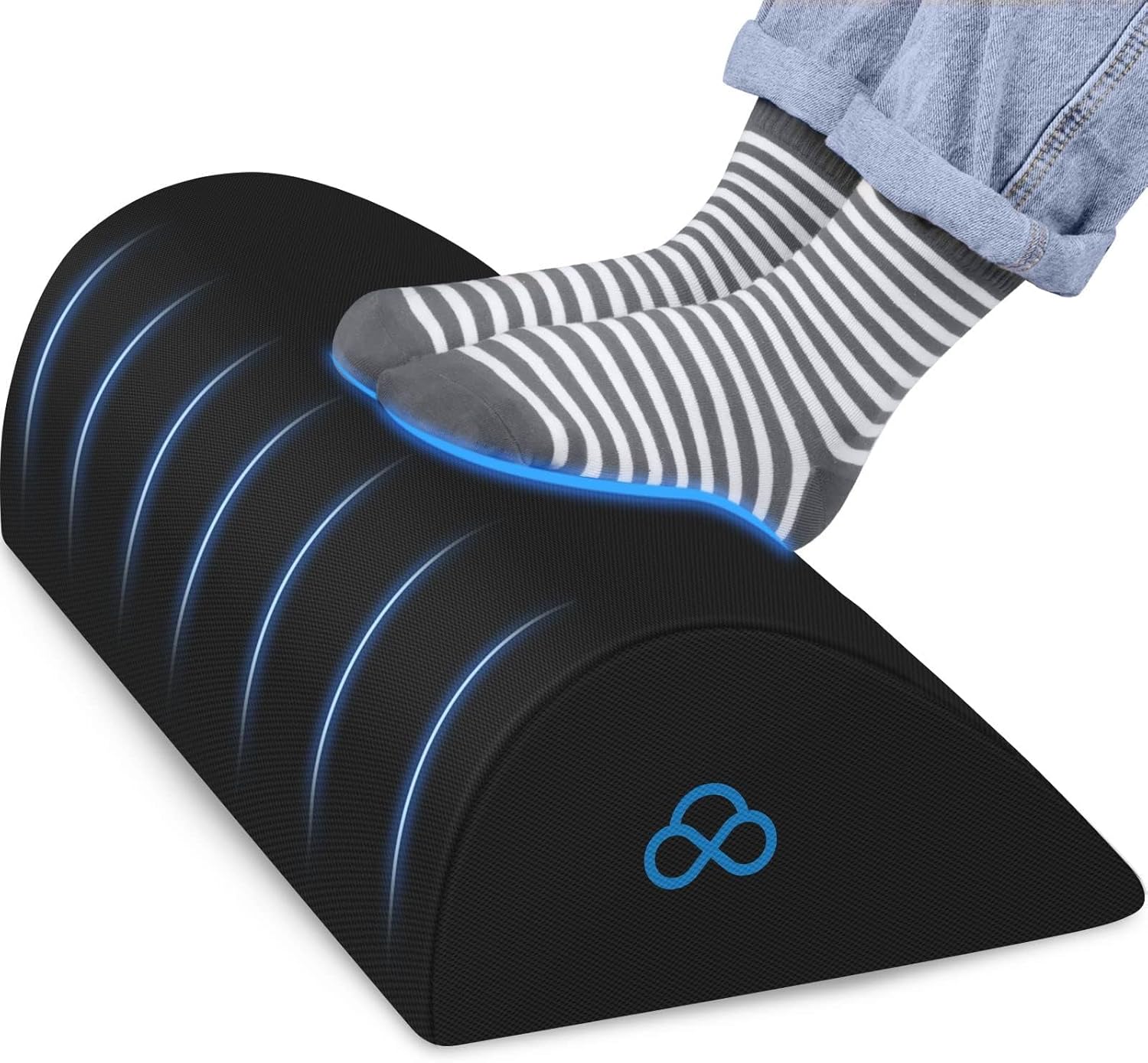
A no-fuss option like this ergonomic foot rest can make your desk feel more comfortable during long work sessions.
It supports your feet under the desk, which can help you sit in a steadier position instead of constantly shifting around. This is useful for remote workers, students, gamers, or anyone spending hours at a desk.
If your chair feels slightly too high or your legs never feel settled, a foot rest can make the whole setup feel calmer.
Something like this comfort upgrade is easy to add without changing your desk or chair.
A simple addition that improves comfort right away.
Hemudu Adjustable Monitor Stand

A setup upgrade like this adjustable monitor stand helps improve screen positioning without needing a full monitor arm.
It supports one monitor and lets you adjust height, rotation, and viewing angle. This is best for people who want a cleaner screen setup but prefer a freestanding option.
If your monitor sits too low and forces you to lean forward, this can make your desk feel more ergonomic and more organized at the same time.
A practical option like this works well for productivity desks where comfort matters.
Easy to add without changing your entire setup.
Marbrasse Desk Drawer Organizer

A simple option like this desk drawer organizer helps stop small items from turning into hidden clutter.
It gives pens, clips, sticky notes, cables, and small accessories separate compartments inside your drawer. That makes it useful for anyone whose desk looks clean on top but messy underneath.
If you open your drawer and everything slides around, an organizer like this makes it easier to find what you need quickly.
Something like this drawer organizer is a small change, but it can make your daily workflow feel smoother.
A simple addition that makes your desk feel more organized right away.
What to Look For Before Buying
Before adding anything new to your setup, focus on solving one specific problem first.
If your cables are the issue, start with cable management.
If your desk feels too small, prioritize vertical storage or monitor positioning.
If your workspace feels uncomfortable, look at lighting, screen height, and foot support.
A few simple buying tips:
Choose compact items if you have a small desk.
Avoid oversized accessories that create new clutter.
Look for products that solve one clear problem.
Pick storage that matches your real habits.
Prioritize comfort if you work at your desk every day.
You don’t need to overthink this. Most clean desk setups happen through small, practical improvements added one at a time.
Conclusion
A cluttered desk usually is not caused by one huge problem.
More often, it comes from small setup mistakes: too many items on the surface, messy cables, poor storage, bad lighting, or an uncomfortable layout.
The right upgrade does not need to be expensive or complicated. A monitor stand, cable tray, drawer organizer, lamp, or laptop stand can make your workspace feel cleaner and easier to use almost immediately.
If you want to keep improving your setup, start with one clear problem and build from there. You can also explore more productivity desk setup ideas when you are ready for the next simple upgrade.