

Disclosure: As an Amazon Associate I earn from qualifying purchases.
A messy desk can make your whole workday feel harder than it needs to be. Even if your laptop, keyboard, and mouse are fine, the surface around them can still feel cluttered, scratched, or visually distracting.
That’s why a desk mat is one of the easiest workspace upgrades to start with.
A good desk mat creates a clean work zone, protects your desk, and makes your setup feel more modern without changing everything. If you are also trying to fix bigger workspace issues, these desk setup mistakes that kill productivity are worth checking too.
Quick Picks
- Best overall: YSAGi Leather Desk Protector
- Best budget option: K KNODEL Small Leather Desk Mat
- Best for small desks: Aothia Leather Desk Pad
Prices are approximate and may change. Ratings and review counts reflect current product data.
Best Everyday Desk Mats for a Cleaner Setup
Aothia Leather Desk Pad

The Aothia Leather Desk Pad is a simple PU leather mat designed to protect your desk while giving your setup a cleaner, more finished look.
If you just want a quick upgrade, a simple option like this makes sense. It gives your keyboard, mouse, and laptop a defined area, which can make even a basic desk feel more organized.
It is best for small to medium desks, students, and remote workers who want something affordable and easy to clean.
Picture a basic laptop setup on a plain desk. Add this mat underneath, and the whole workspace instantly looks more intentional.
You do not need to overthink this. Something like this is a solid, no-fuss addition to most desks.
YSAGi Leather Desk Pad

The YSAGi Leather Desk Pad is another clean PU leather option, but the olive green finish gives it a slightly warmer, more styled look.
A tool like this is useful if you want your desk to feel less plain without making it loud or distracting. It still keeps the setup practical, but adds a bit of personality.
This is best for people who want a clean workspace with a subtle color accent. It works especially well with wood desks, white desks, or neutral home office setups.
If your desk feels functional but boring, this mat can make it feel more put together without adding clutter.
For more styling inspiration, these minimal green desk decor ideas can help you keep the setup clean instead of tacky.
This type of upgrade is easy to add without changing your entire setup.
K KNODEL Small Leather Desk Mat

The K KNODEL Small Leather Desk Mat is a compact, budget-friendly option for anyone who wants basic desk protection and a smoother work surface.
A no-fuss option like this is best if you have a smaller desk or only need space for a mouse, keyboard, and notebook. It keeps things simple and functional.
It is especially useful for apartment desks, student desks, or shared spaces where you do not want a huge mat taking over the surface.
For example, if you work at a narrow desk with limited room, this mat helps define your work area without making everything feel crowded.
Something like this works well when you want a quick, affordable improvement that still feels practical.
Best Large Desk Mats for Productivity
YSAGi Leather Desk Protector

The YSAGi Leather Desk Protector is a larger desk mat that gives you more room for a keyboard, mouse, laptop, and other daily essentials.
This type of upgrade is one of the easiest ways to make a workspace feel cleaner and more unified. Instead of having several loose items scattered around, everything sits inside one clear work zone.
It is best for remote workers, content creators, and anyone using a wider desk setup.
If you often switch between typing, writing notes, and using a mouse, the larger surface makes your desk feel smoother and more consistent.
For people dealing with messy cords too, these desk cable management solutions can pair well with a large mat.
A solid option like this makes your desk feel more organized almost immediately.
Nordik Leather Desk Mat

The Nordik Leather Desk Mat is a larger premium-style mat with a built-in cable organizer, which makes it useful for more complete desk setups.
If your desk always has charging cables, keyboard wires, or device cords around, something like this can help reduce that visual mess.
It is best for people who want a more polished home office setup, especially if their desk is used every day for work.
A real-life example would be a remote worker with a laptop, monitor, phone charger, and wireless keyboard. This mat helps everything feel more contained and less chaotic.
It costs more than the basic options, but the cable organization feature gives it extra practical value.
A setup upgrade like this is easy to justify if you want both a cleaner surface and better cable control.
Aothia Dual-Sided Desk Pad

The Aothia Dual-Sided Desk Pad gives you a leather surface on one side and a cork-style surface on the other.
A simple option like this is useful if you like flexibility. You can flip the mat depending on the look or feel you want that day.
It is best for people who want a larger mat but do not want to commit to only one style. The dual-sided design also makes it feel more versatile for work, studying, or creative tasks.
For example, you might use the darker side during focused work sessions and the cork side when you want a warmer, more natural desk look.
This type of desk mat is a practical choice if you like changing your setup without buying extra accessories.
Best Desk Mats for Small Desks and Style
BOOEUDI Extra Large Mouse Pad
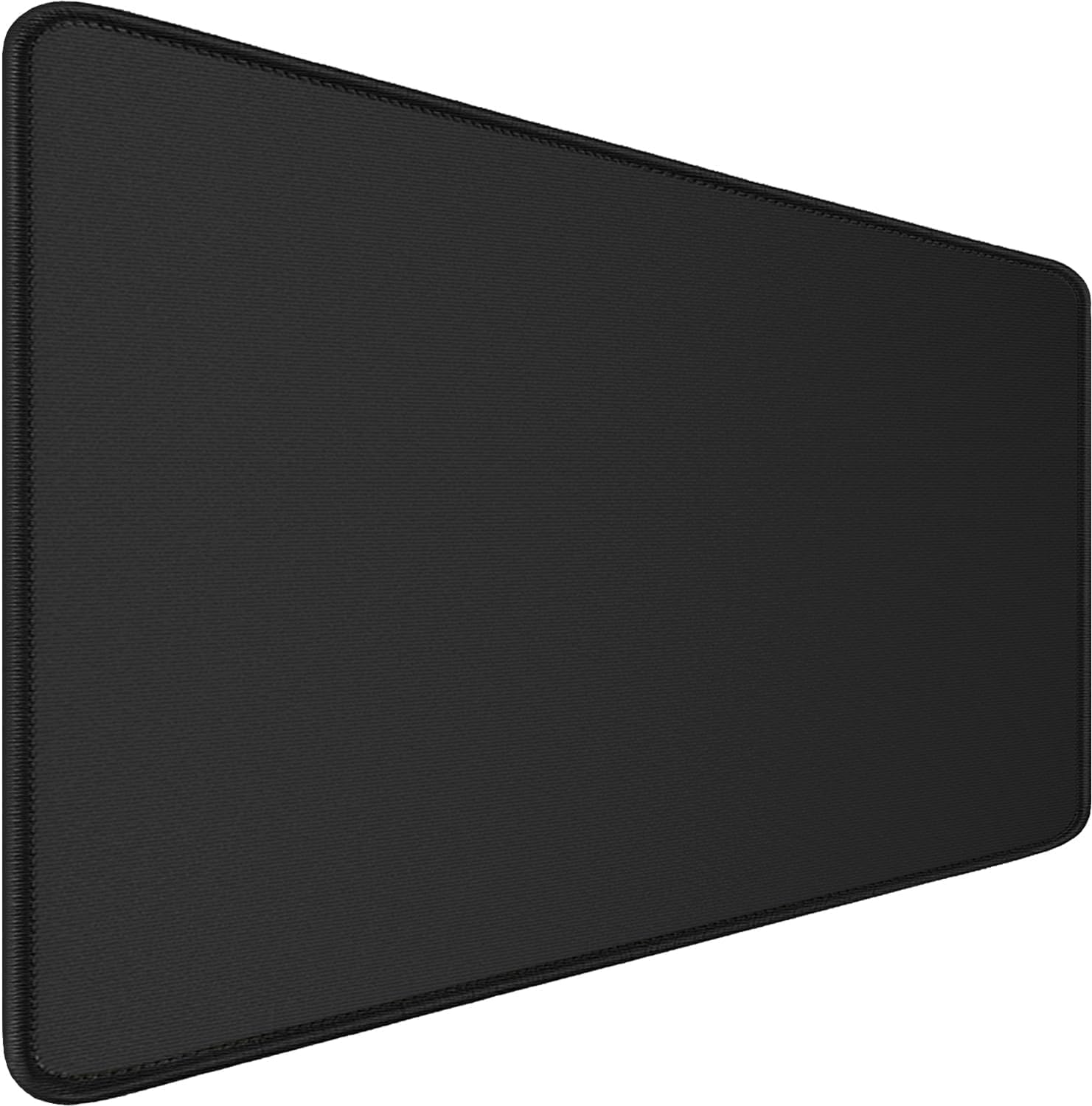
The BOOEUDI Extra Large Mouse Pad is a cloth-style desk mat with stitched edges and a larger surface for keyboard and mouse use.
A simple upgrade like this works well if you want more mouse space or prefer a softer fabric surface instead of leather.
It is best for home office users, gamers, editors, or anyone who needs smoother mouse movement during long sessions.
For example, if your mouse keeps slipping off a small mouse pad, this larger mat gives you more room and makes the desk feel more stable.
The stitched edges also help it feel more durable for daily use.
Something like this is one of those upgrades you notice almost immediately.
Ohocut Checkered Desk Mat

The Ohocut Checkered Desk Mat is a more decorative option for people who want their desk to look cleaner but still have personality.
A desk mat like this works well if you want a soft visual accent without adding extra objects to your workspace.
It is best for aesthetic setups, vanity desks, student rooms, or home offices that need a little more visual warmth.
For example, if your desk setup feels too plain, this checkered mat can add style while still keeping the surface practical for writing, typing, or using a mouse.
It is not the most minimal option, but it can make a simple setup feel more intentional.
A style-focused option like this is easy to add if you want your workspace to feel more personal.
What to Look For Before Buying
Size
Measure your desk before choosing a mat.
A small mat is better for compact desks, while a large mat works better if you use a full keyboard, mouse, laptop, or monitor setup.
Material
PU leather is easy to clean and looks modern.
Felt feels softer and quieter.
Cloth-style mats are better for mouse movement.
Cork-style surfaces add a warmer, natural look.
Cleaning
If you drink coffee or eat near your desk, choose something waterproof or easy to wipe clean.
For daily use, low-maintenance materials are usually the safest choice.
Grip
A non-slip base matters more than people think. If the mat moves every time you type or use your mouse, it becomes annoying fast.
Style
Neutral colors are easier to match. But if your setup already feels too plain, a green, cork, or checkered mat can add personality without adding clutter.
Conclusion
A desk mat is a small upgrade, but it can change how your workspace feels every day.
It protects your desk, gives your keyboard and mouse a cleaner area, and makes your setup look more intentional. For remote workers, students, and home office users, that can make the desk feel easier to use and easier to keep clean.
You do not need to rebuild your whole workspace. Start with one simple mat that fits your space, then improve from there.
If you want to keep going, these desk cable management solutions for a cleaner setup are a good next step.