
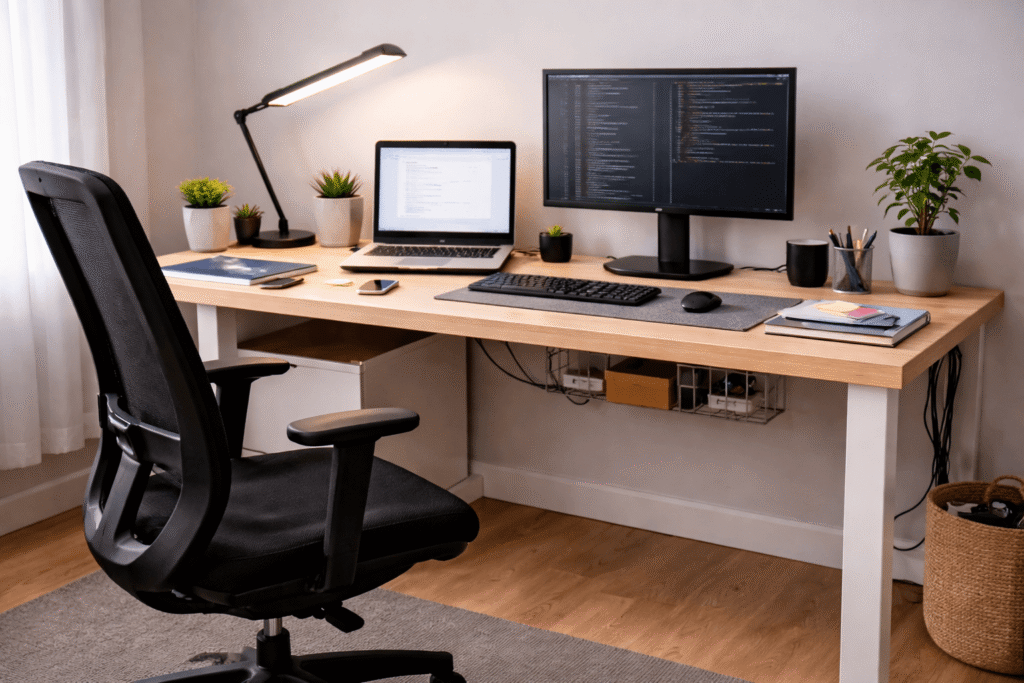
Disclosure: As an Amazon Associate I earn from qualifying purchases.
Introduction
Working from home sounds simple—until you actually try to do it long term.
At first, most people make do with what they already have: a kitchen chair, a small table, maybe a laptop and some decent Wi-Fi. But after a few weeks (or months), the problems start showing up. Back pain, clutter, low focus, bad lighting, and a general feeling that your space is working against you, not for you.
This guide is for anyone who wants to fix that—without spending thousands of dollars.
Whether you’re just starting remote work, freelancing part-time, or trying to improve an existing setup, this is a practical, budget-first approach to building a home office that actually supports your productivity and comfort.
You’ll learn:
- What really matters in a desk setup (and what doesn’t)
- How to prioritize upgrades on a tight budget
- Which types of products actually improve your day-to-day work
- Common mistakes that quietly ruin your setup
This isn’t about aesthetic “Instagram desks.”
It’s about building something functional, comfortable, and sustainable.
Core Foundations of a Good Home Office Setup
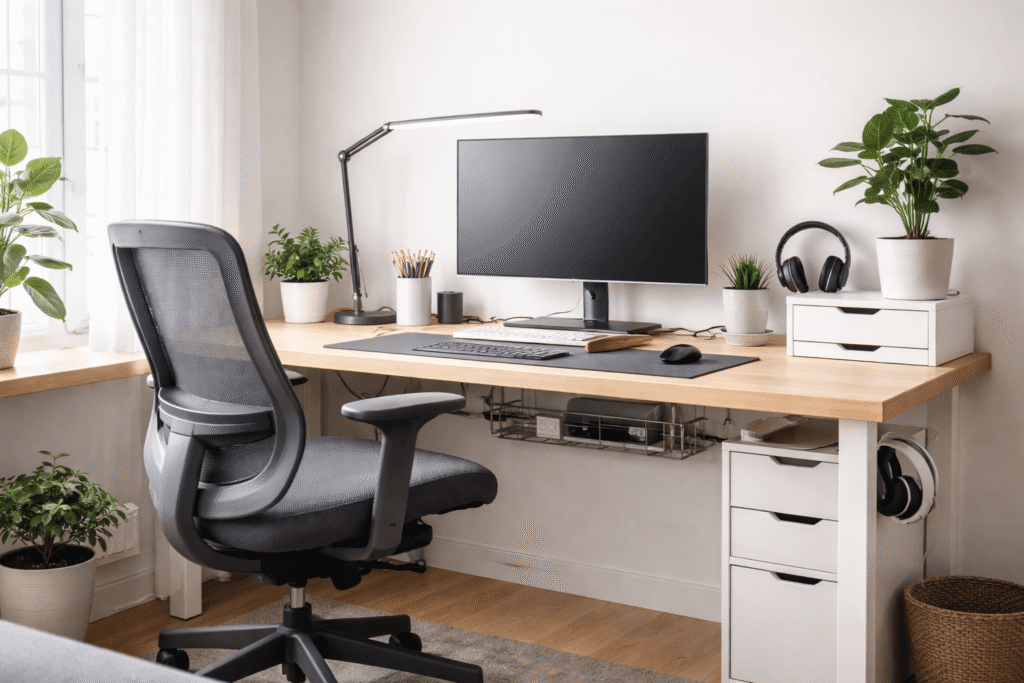
Before thinking about products, it’s important to understand what actually makes a desk setup work.
Most problems don’t come from missing gear—they come from poor fundamentals.
1. Ergonomics: Your Body Comes First
If your setup is uncomfortable, everything else suffers.
Bad ergonomics lead to:
- Neck and back pain
- Wrist strain
- Fatigue after just a few hours
At minimum, your setup should allow:
- Your feet flat on the floor
- Your screen at or slightly below eye level
- Your elbows at a 90-degree angle
You don’t need expensive gear to get this right—but you do need to be intentional.
2. Lighting: The Silent Productivity Killer
Lighting is often ignored, but it directly affects:
- Eye strain
- Energy levels
- Focus
Working in dim or uneven lighting forces your eyes to constantly adjust. Over time, this leads to fatigue and headaches.
Ideally, you want:
- Natural light during the day
- A dedicated desk lamp for evenings
- Even lighting across your workspace
3. Surface Space: Clarity = Focus
A cluttered desk isn’t just messy—it actively reduces your ability to focus.
When your workspace is overloaded:
- Your brain processes more visual noise
- Task-switching becomes harder
- You feel more mentally “crowded”
Even a small desk can work well if it’s organized intentionally.
4. Input Comfort: Keyboard, Mouse, and Daily Use
You interact with your keyboard and mouse for hours every day.
If they’re uncomfortable:
- Your hands fatigue faster
- Your posture suffers
- Small annoyances compound over time
This is one of the highest-impact areas for relatively low cost.
5. Environment: Distraction vs Control
Your desk setup isn’t just physical—it’s environmental.
Noise, temperature, and visual distractions all matter.
A good setup helps you:
- Control your environment
- Reduce interruptions
- Stay mentally “in the zone” longer
Practical Recommendations (Budget-Friendly)
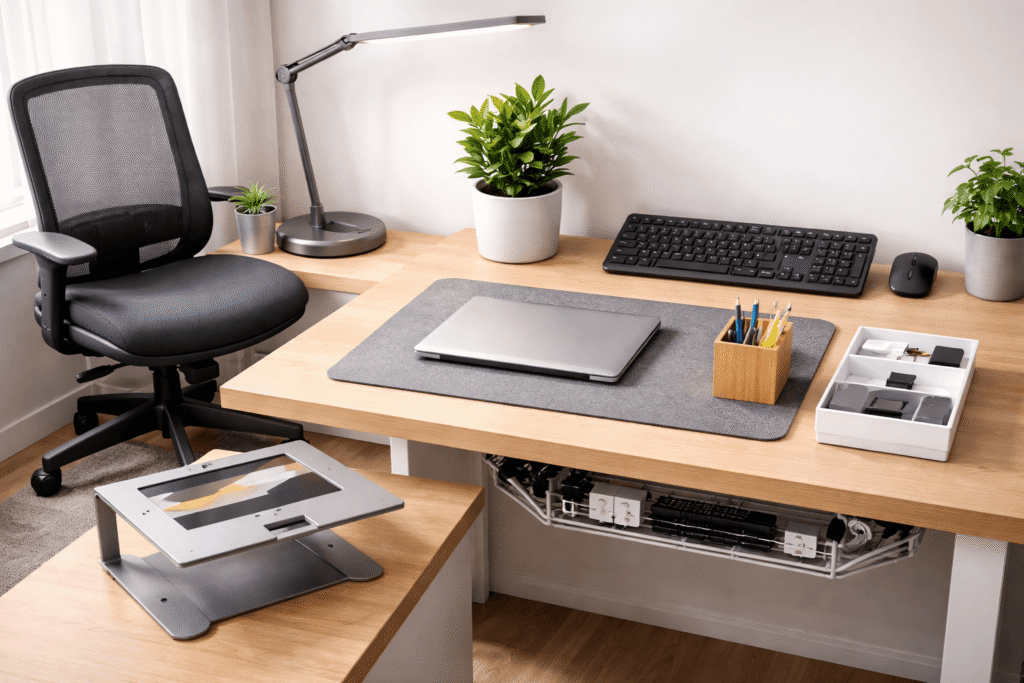
Now that the fundamentals are clear, here are the most impactful upgrades you can make—without overspending.
These are not luxury items. These are practical tools that improve daily work.
1. Ergonomic Chair
Example: Adjustable ergonomic chair under $150
If you upgrade only one thing, make it your chair.
Look for:
- Lumbar support
- Adjustable height
- Breathable material
You don’t need a premium chair—just something that supports your posture properly.
2. Desk Lamp with Adjustable Brightness
Example: Budget LED desk lamp with adjustable brightness
A good lamp:
- Reduces eye strain
- Improves focus during evening work
- Creates a consistent lighting environment
Adjustable brightness and color temperature are a big plus.
3. External Keyboard and Mouse
Example: Wireless keyboard and mouse combo under $50
Especially important if you use a laptop.
Benefits:
- Better wrist positioning
- More comfortable typing
- Cleaner desk layout
Even basic options can make a noticeable difference.
4. Laptop Stand or Monitor Riser
Example: Aluminum laptop stand with adjustable height
This helps bring your screen to eye level.
Why it matters:
- Reduces neck strain
- Improves posture
- Makes your setup feel more structured
A simple stand can completely change how your desk feels.
5. Desk Mat or Large Mouse Pad
Example: Extended desk mat for keyboard and mouse
This is a small upgrade with surprising impact.
Benefits:
- Smoother mouse movement
- Cleaner visual space
- Protection for your desk surface
It also helps define your “work zone.”
6. Cable Management Basics
Example: Adhesive cable clips and under-desk organizers
Messy cables create visual clutter and stress.
Simple solutions:
- Cable clips
- Velcro ties
- Under-desk trays
A clean setup feels calmer and easier to use.
7. Basic Storage Solutions
Example: Compact desk organizer or drawer unit
If everything sits on your desk, your focus suffers.
Use storage to:
- Clear your main work surface
- Keep essentials within reach
- Reduce visual overload
Even a small organizer can make a big difference.
8. Noise Control (Optional but Valuable)
Example: Affordable noise-canceling headphones or earplugs
If your environment is noisy, this becomes critical.
It helps:
- Maintain focus
- Reduce stress
- Improve deep work sessions
Budget Strategy: What to Buy First

You don’t need everything at once.
Here’s how to prioritize based on your budget.
If You Have $100
Focus on impact per dollar.
Priority:
- External keyboard + mouse
- Desk lamp
- Basic cable management
Goal:
- Improve comfort
- Reduce strain
- Create a cleaner workspace
If You Have $250
Now you can address ergonomics properly.
Priority:
- Ergonomic chair
- Laptop stand or monitor riser
- Desk mat
- Desk lamp (if not already purchased)
Goal:
- Fix posture
- Improve daily comfort
- Make your setup feel stable and intentional
If You Have $500
You can build a complete, balanced setup.
Priority:
- Quality ergonomic chair
- Full input setup (keyboard + mouse)
- Lighting upgrade
- Cable management system
- Storage solution
- Optional: noise control
Goal:
- Create a system that supports long work sessions
- Reduce friction in your workflow
- Build a setup that lasts
Common Mistakes That Ruin Home Office Setups
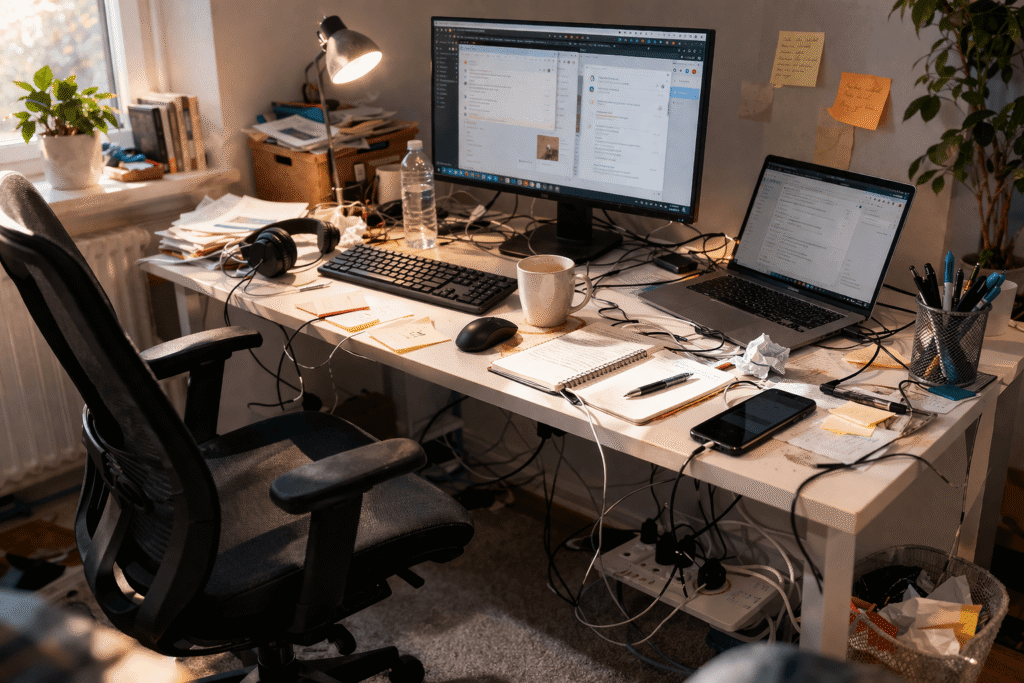
Even with a decent budget, many setups fail because of these mistakes.
1. Spending on Aesthetics Before Function
LED strips and decorative items look nice—but they don’t fix discomfort.
Problem:
- You still have poor posture
- Your workflow remains inefficient
Fix:
- Prioritize function first, aesthetics later
2. Ignoring Chair Quality
A bad chair affects your entire day.
Problem:
- Back pain
- Poor focus
- Long-term discomfort
Fix:
- Invest early in a proper chair, even on a budget
3. Working Directly from a Laptop Without Adjustments
This is one of the most common issues.
Problem:
- Screen too low
- Keyboard too high
- Neck strain
Fix:
- Add a stand and external input devices
4. Overcrowding the Desk
More items ≠ better setup.
Problem:
- Visual clutter
- Reduced focus
- Less usable space
Fix:
- Keep only what you use daily
5. Poor Lighting Setup
Relying only on overhead lighting isn’t enough.
Problem:
- Eye strain
- Fatigue
- Uneven light distribution
Fix:
- Add a dedicated desk lamp
6. No Cable Management
It seems minor—but it adds up.
Problem:
- Messy appearance
- Harder cleaning
- Constant small frustrations
Fix:
- Spend a few dollars on simple cable solutions
Final Summary + Action Plan
Building a budget home office isn’t about buying everything—it’s about making smart, intentional upgrades.
Key Takeaways
- Comfort and ergonomics matter more than aesthetics
- Small upgrades can have a big impact
- A clean desk improves mental clarity
- Lighting and posture are often overlooked—but critical
- You don’t need a large budget to build a functional setup
Simple Action Plan
Start here:
- Fix your posture (chair + screen height)
- Improve your lighting
- Add external input devices if needed
- Clean up your desk surface
- Organize your cables
Then, over time:
- Upgrade gradually
- Focus on what you use daily
- Avoid impulse purchases
A good desk setup doesn’t happen all at once.
It’s built step by step—based on real needs, not trends.
If you focus on comfort, clarity, and consistency, even a modest budget can create a workspace that supports your work instead of fighting against it.