
Disclosure: As an Amazon Associate I earn from qualifying purchases.
Staring at a screen all day can make your eyes feel dry, tired, and unfocused. The problem is often not just screen time. It is usually your lighting, monitor height, glare, clutter, and overall desk layout working against you.
The good news is that you do not need a full office makeover. A few simple upgrades can make your workspace easier on your eyes, more comfortable, and better for productivity. If you are also trying to improve a compact workspace, these desk organization ideas for small spaces can help you build a cleaner setup without overthinking it.
Quick Picks
- Best overall: SAMPHON Monitor Light Bar
- Best budget option: Aothia Desk Protector Mat
- Best for small desks: WALI Single Monitor Mount
Prices are approximate and may change. Ratings and review counts reflect current product data.
Improve Your Lighting First
SAMPHON Monitor Light Bar
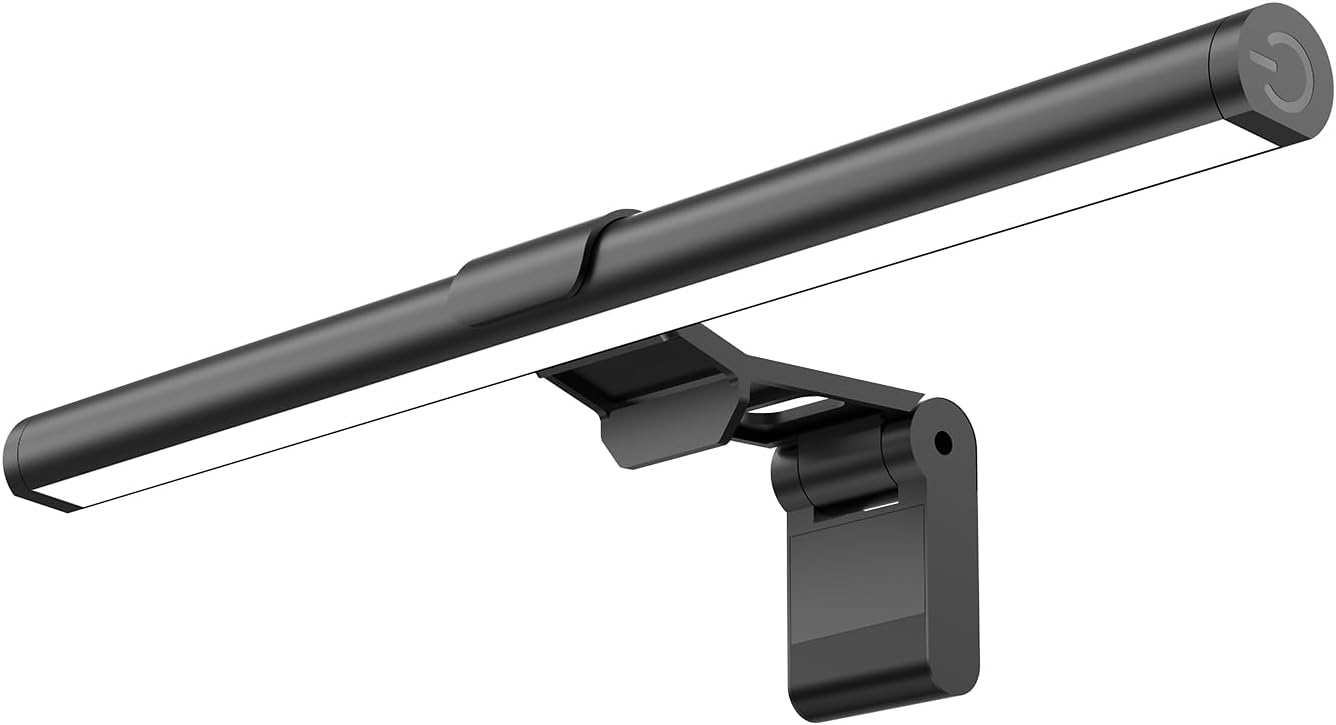
A monitor light bar helps brighten your desk without shining directly into your eyes. A simple option like this is useful if you work at night, study in a darker room, or feel tired after staring at a bright screen in a dim space.
It sits on top of your monitor and points light down onto your desk. That helps reduce the harsh contrast between your screen and the rest of the room.
This is best for remote workers, students, and small desk users who want better lighting without adding another bulky lamp.
If your eyes feel tired during evening work sessions, this type of upgrade is easy to add without changing your whole setup.
A simple addition that makes your desk feel more comfortable right away.
Voncerus Clamp Desk Lamp

A clamp desk lamp gives you flexible task lighting without taking up much surface space. A no-fuss option like this works well if your desk is small or your room lighting changes throughout the day.
It has adjustable brightness and lighting modes, which helps you avoid lighting that feels too harsh or too weak.
This is best for people who read, write notes, work on paper, or switch between laptop work and desk tasks.
If your current desk feels dark in the evening, something like this can make the space feel more balanced and easier to use.
One of those upgrades you notice almost immediately.
IRUYO FL MacBook Privacy Screen

Glare can make your eyes work harder, especially if you use a glossy laptop screen near windows or bright lights. A tool like this helps reduce glare while also adding privacy for compatible MacBook Pro 15-inch models.
It is best for laptop users who work in shared spaces, coffee shops, classrooms, or bright rooms.
A real-life example is working near a window where reflections keep hitting your screen. Reducing that glare can make reading text feel easier during long sessions.
If your laptop matches the supported model, this type of screen upgrade can be a practical fix.
Easy to add without changing your entire setup.
Improve Screen Position and Comfort
Height Adjustable Monitor Stand Riser

If your monitor sits too low, your eyes and neck may both feel strained by the end of the day. A simple option like this raises your screen closer to eye level and also adds storage space underneath.
This is useful for anyone working from a fixed desk, especially if your monitor or laptop currently sits flat on the surface.
It helps create a cleaner, more comfortable setup because your keyboard, notebooks, or small accessories can fit below the riser.
If you want a more productive desk setup at home, better screen height is one of the easiest places to start.
A solid, no-fuss addition to most desks.
WALI Single Monitor Mount
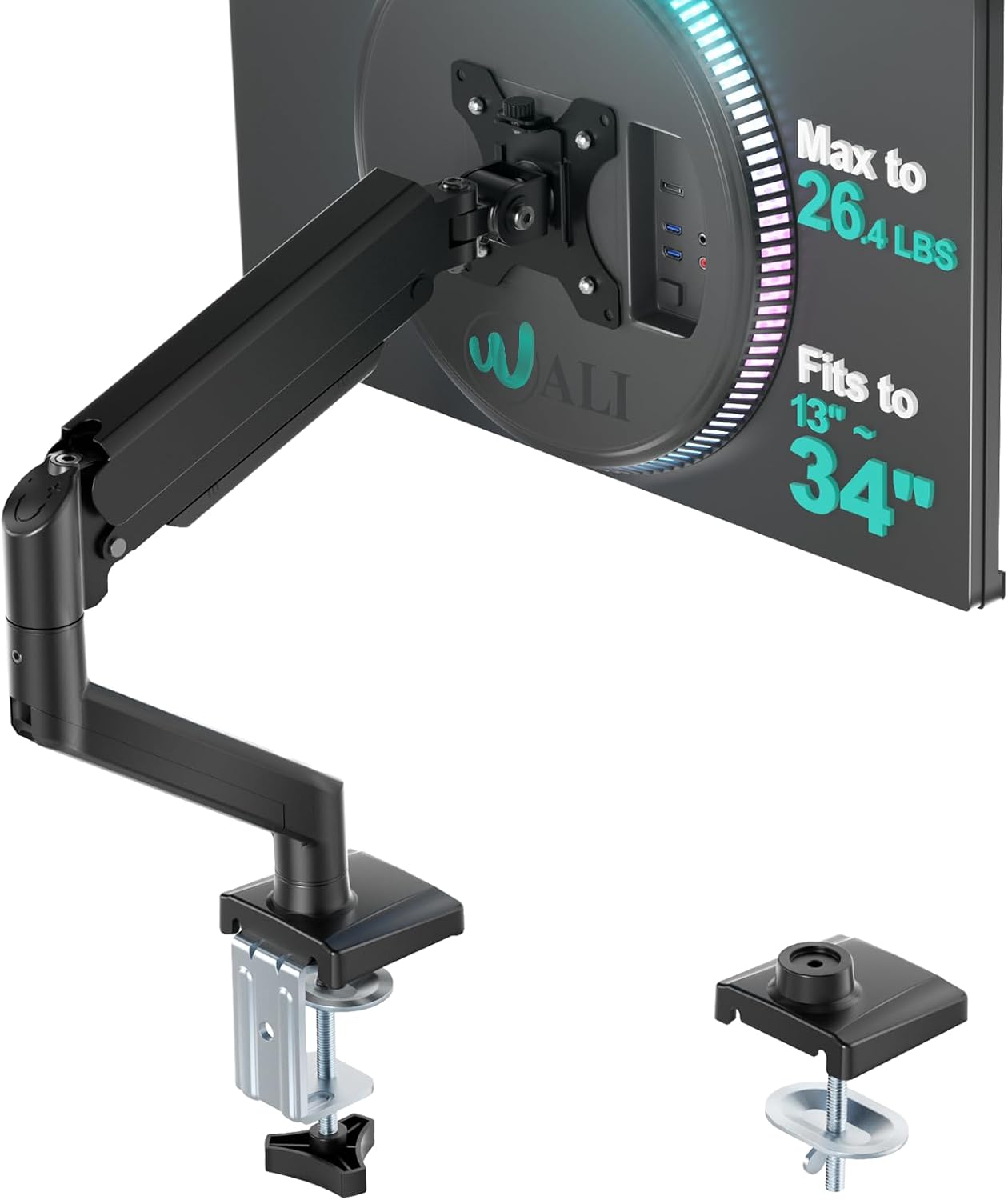
A monitor mount gives you more control over screen height, distance, and angle. This type of upgrade is especially useful if you have a small desk and want to free up surface space.
It lets you move your monitor into a more comfortable position instead of forcing your body to adapt to a bad setup.
This is best for people who use an external monitor daily for work, school, editing, or gaming.
If your desk feels cramped, something like this can make your setup feel cleaner and more flexible almost immediately.
Easy to add without changing your entire setup.
Marsail Ergonomic Office Chair

Eye strain is not only about your eyes. If your chair makes you sit awkwardly, your screen angle and posture usually get worse too. A tool like this can help support a more stable sitting position during long work sessions.
This chair includes a high back, headrest, adjustable lumbar support, and 3D armrests.
It is best for remote workers and students who spend several hours at their desk every day.
For example, if you keep leaning forward toward your screen, better support may help you sit back and keep a healthier viewing distance.
A comfort upgrade like this can make your whole desk setup feel more sustainable.
Reduce Visual Clutter and Dryness
Blue Light Blocking Glasses

Blue light glasses are a simple, low-risk upgrade for people who spend long hours looking at screens. A budget-friendly option like this may help reduce visual fatigue during late-night work, gaming, studying, or scrolling.
They are best for users who move between a laptop, phone, tablet, and external monitor all day.
A realistic scenario is finishing work at night and still needing to reply to messages or study afterward. Reducing screen harshness can make that extra time feel easier on your eyes.
You do not need to overthink this. If screen time regularly leaves your eyes tired, something like this is a simple option to try.
One of the easiest ways to improve comfort without changing your desk.
Aothia Desk Protector Mat
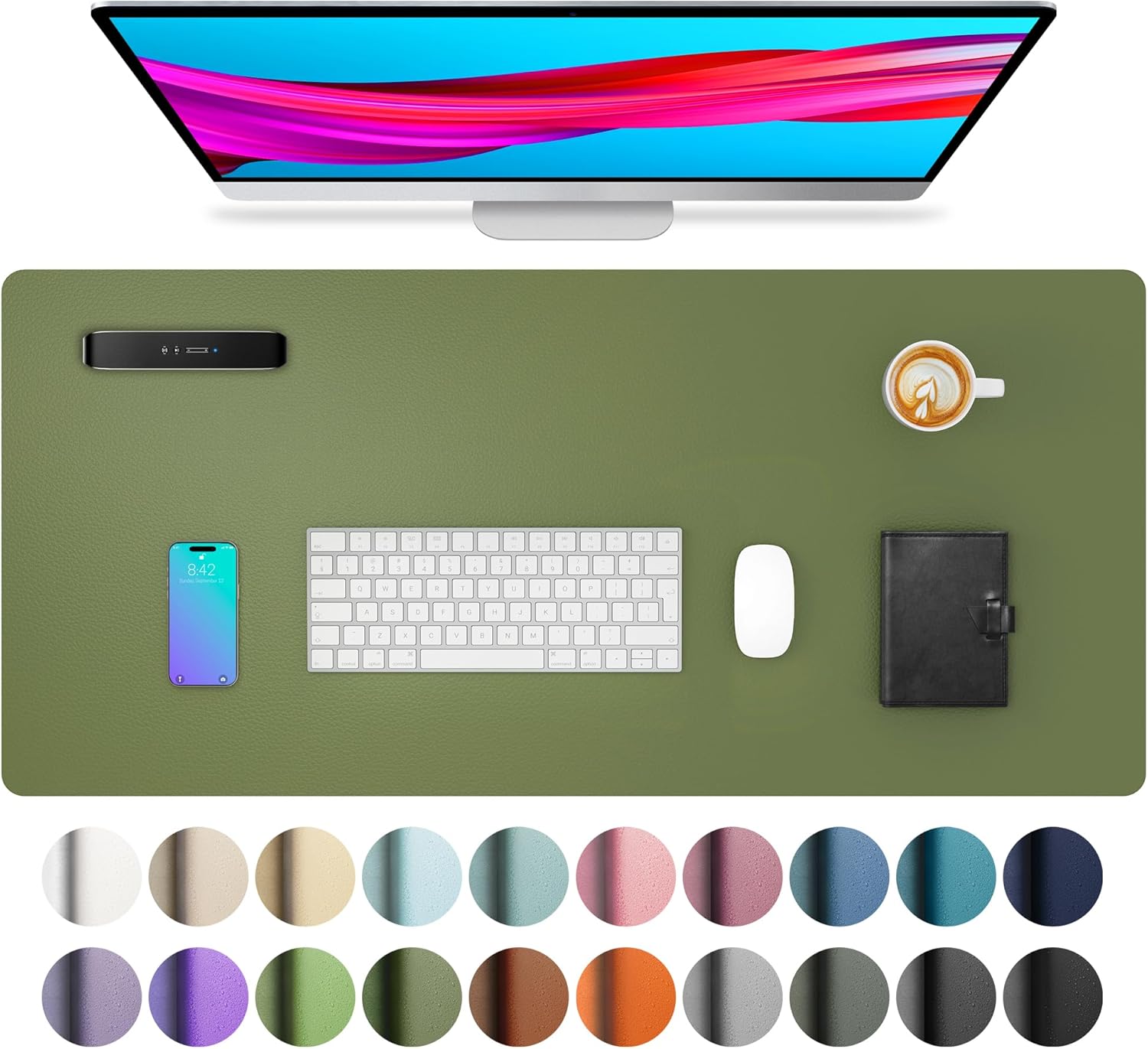
A desk mat helps create a cleaner visual zone for your keyboard, mouse, laptop, and daily tools. A simple tool like this can make your workspace feel less scattered without requiring new furniture.
It is best for small desks, dorm setups, bedroom offices, and anyone who feels distracted by clutter.
It can also make your mouse movement smoother and protect the desk surface from daily wear.
If you are working toward a cleaner setup, this desk organization guide pairs well with a simple upgrade like this.
A simple addition that makes your desk feel more organized right away.
REFLYING Under Desk Cable Tray

Messy cables can make your desk feel chaotic, even when the surface is technically clean. A no-fuss option like this keeps wires, cords, and power strips tucked under the desk.
This is best for people with monitors, chargers, lamps, speakers, or multiple devices plugged in at once.
A real-life example is cleaning your desk but still seeing cables hanging everywhere. Once they are hidden, the whole setup feels calmer.
If visual clutter makes it harder to focus, something like this can make your workspace feel cleaner fast.
Easy to add without changing your whole setup.
What to Look For Before Buying
Start with your biggest problem. If your room feels dark, improve lighting first. If your monitor is too low, fix screen height. If your desk feels stressful, reduce clutter.
For small desks, choose vertical or clamp-on products. Monitor arms, light bars, and cable trays usually help without stealing surface space.
For comfort, look for adjustability. Brightness levels, monitor height, arm position, and lumbar support all matter because your needs change throughout the day.
For eye strain, do not rely on one product to solve everything. Better lighting, reduced glare, proper viewing distance, and regular breaks work better together.
If you want more ideas, this guide to eye-friendly desk lighting is a helpful next step.
Conclusion
Reducing eye strain from your desk setup does not have to be complicated. You can start with one small change, see how it feels, and build from there.
Better lighting, improved screen position, less clutter, and more comfort can make your workspace feel calmer and easier to use every day.
You do not need to overthink this. Pick the upgrade that solves your most obvious problem first, then keep improving your setup slowly. For more simple ways to improve comfort and focus, explore these productive desk setup ideas.