
Disclosure: As an Amazon Associate I earn from qualifying purchases.
Working at a warm desk can make everything feel harder than it should. Your laptop gets hot, your chair feels uncomfortable, your hands feel sticky, and focusing on basic tasks becomes a lot more frustrating.
The good news is that you do not need to rebuild your entire office to feel better. A few small cooling upgrades can make your workspace more comfortable, cleaner, and easier to use during long work sessions.
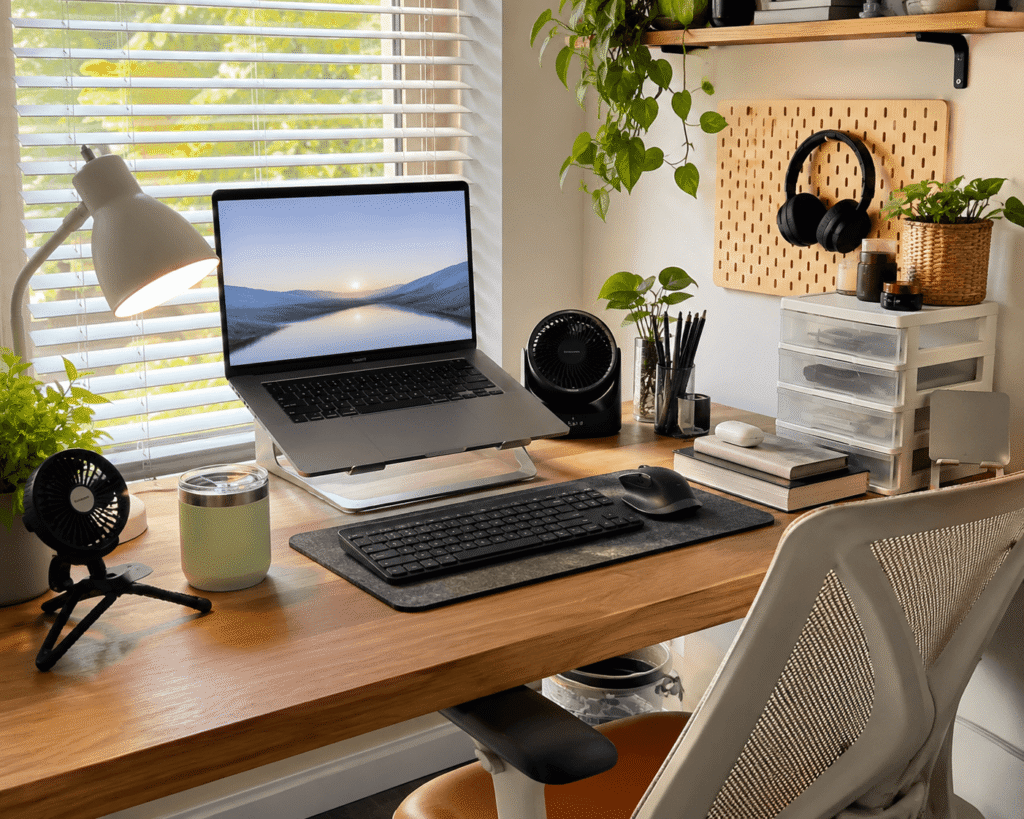
If you are working with limited space, these small desk setup ideas can also help you make your desk feel cooler and less crowded.
Quick Picks
- Best overall: DR.PREPARE Oscillating Desk Fan
- Best budget option: CS COSDDI Insulated Tumbler
- Best for small desks: Gaiatop Clip-On Fan
Prices are approximate and may change. Ratings and review counts reflect current product data. Products marked with * currently cost more than $30.
Personal Cooling Gadgets for Hot Workdays
Kinhowly Wearable Neck Fan

The Kinhowly Wearable Neck Fan is a hands-free fan you can wear while working, studying, or moving around the house. A simple option like this is useful when your room feels warm but you do not want another gadget taking up desk space.
It is best for people who move between a desk, kitchen table, couch, or dorm setup. The wearable design helps keep airflow close to your face and neck without needing to reposition a desk fan all day.
A real-life use case is working through an afternoon writing session while your room is warm and stuffy. Instead of stopping every few minutes to cool down, something like this gives you steady personal airflow.
A simple addition that helps you stay cooler without changing your whole setup.
JISULIFE Portable Neck Fan

The JISULIFE Portable Neck Fan is another wearable cooling option, with a flexible design and five speed settings. A tool like this makes sense if you want personal cooling that does not depend on your desk layout.
It is especially useful for home office users who work in rooms without strong air conditioning. Students may also like it for dorm rooms, shared spaces, or studying away from a main desk.
For example, if you work at your desk in the morning but move to another room later, this fan can follow you without needing an outlet nearby. This type of upgrade is easy to use and does not add clutter.
One of those upgrades you notice almost immediately during warmer days.
Sukeen Cooling Towels

Sukeen Cooling Towels are reusable towels designed to help you cool down quickly. A budget-friendly option like this is simple: dampen the towel, wring it out, and use it around your neck during breaks.
They are best for people who get warm easily while working, exercising, cleaning, or walking outside before returning to their desk.
A common scenario is coming back from a short lunch walk and still needing to focus. Instead of sitting down overheated, something like this can help you reset before your next work block.
A simple addition that makes warm workdays easier to handle.
Desk Fans That Save Space
DR.PREPARE Oscillating Desk Fan

The DR.PREPARE Oscillating Desk Fan is a compact tower-style fan for desks, bedrooms, and home offices. A no-fuss option like this works well if you want steady airflow without using a large floor fan.
It is best for remote workers who want a cleaner, more comfortable desk area. The oscillation helps spread air across your workspace instead of blowing in one fixed direction.
Picture working through a long spreadsheet or video call while the air around your desk feels less stale. This type of setup upgrade can make your desk feel more comfortable without adding much visual clutter.
A solid, no-fuss addition to most desks.
Otlonpe Rechargeable Desk Fan

The Otlonpe Rechargeable Desk Fan is a small portable fan that can run by battery or USB power. A simple option like this is useful if you want airflow without being tied to one outlet.
It is a good fit for small desks, bedside workspaces, study corners, and anyone who wants something easy to move around.
If your desk gets warm in the afternoon, you can place it beside your monitor, keyboard, or notebook and adjust it as needed. Something like this gives you a quick comfort upgrade without overthinking it.
Easy to add without changing your entire setup.
Gaiatop Clip-On Fan

The Gaiatop Clip-On Fan is a small rechargeable fan with a flexible tripod-style base. A tool like this is especially helpful if your desktop is already crowded.
It is best for small desks, dorm setups, shelves, treadmill desks, and compact workstations. Instead of sitting directly on your desk, it can clip or wrap around nearby surfaces.
For example, if your laptop, notebook, and coffee already fill your desk, this fan can attach to a shelf or stand and still give you airflow. A small-space upgrade like this keeps your workspace more open.
One of the easiest ways to improve comfort without losing desk space.
For more affordable setup upgrades, this guide to budget desk setup essentials pairs well with small cooling gadgets.
Cooling Upgrades for Comfort and Productivity
havit Laptop Cooling Pad
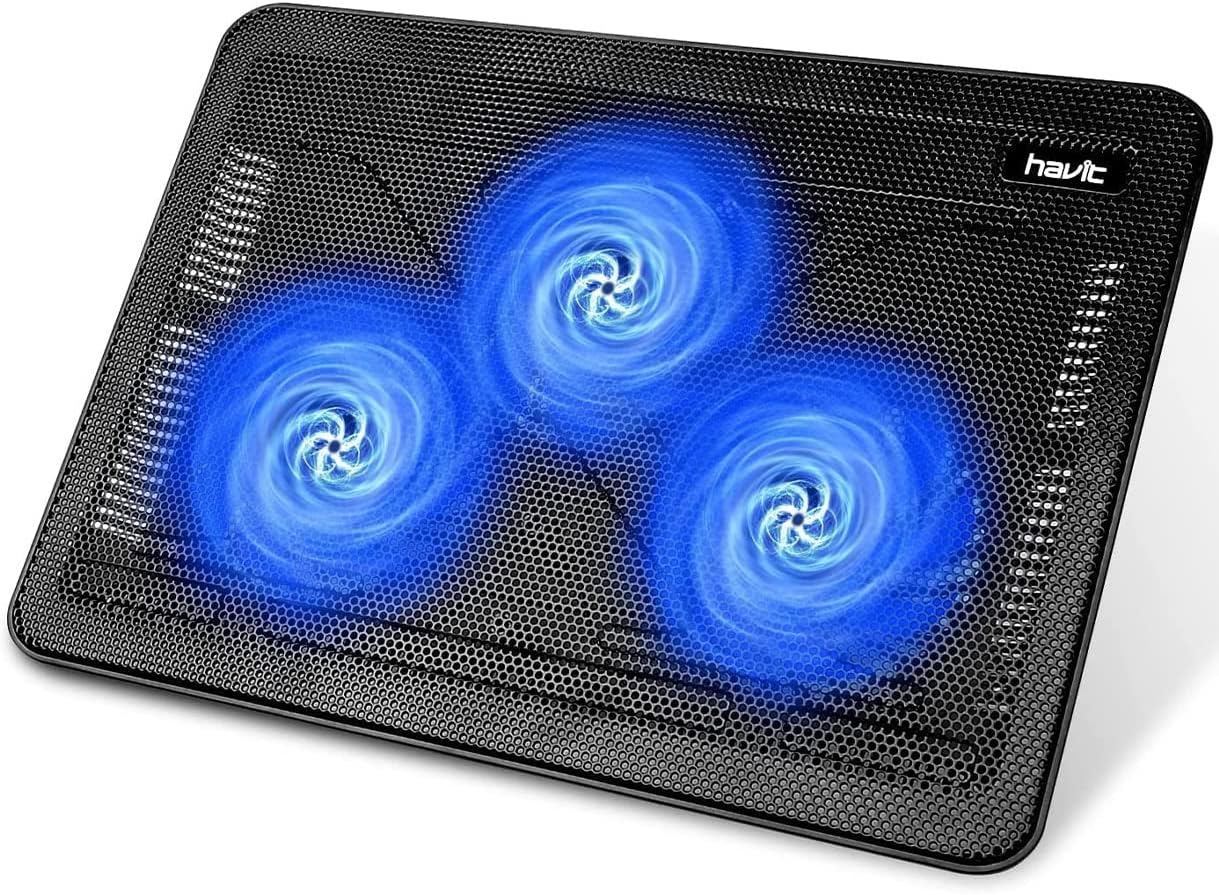
The havit Laptop Cooling Pad helps improve airflow under your laptop while slightly raising it off the desk. A tool like this is useful if your laptop gets warm during long work sessions.
It is best for students, remote workers, video editors, and anyone using a laptop as their main computer. Better airflow can make the workspace feel more stable and comfortable.
A real-life example is working through several browser tabs, a video call, and documents at the same time. Instead of your laptop sitting flat and trapping heat, this type of upgrade gives it more room to breathe.
Easy to add without changing your whole setup.
CS COSDDI Insulated Tumbler
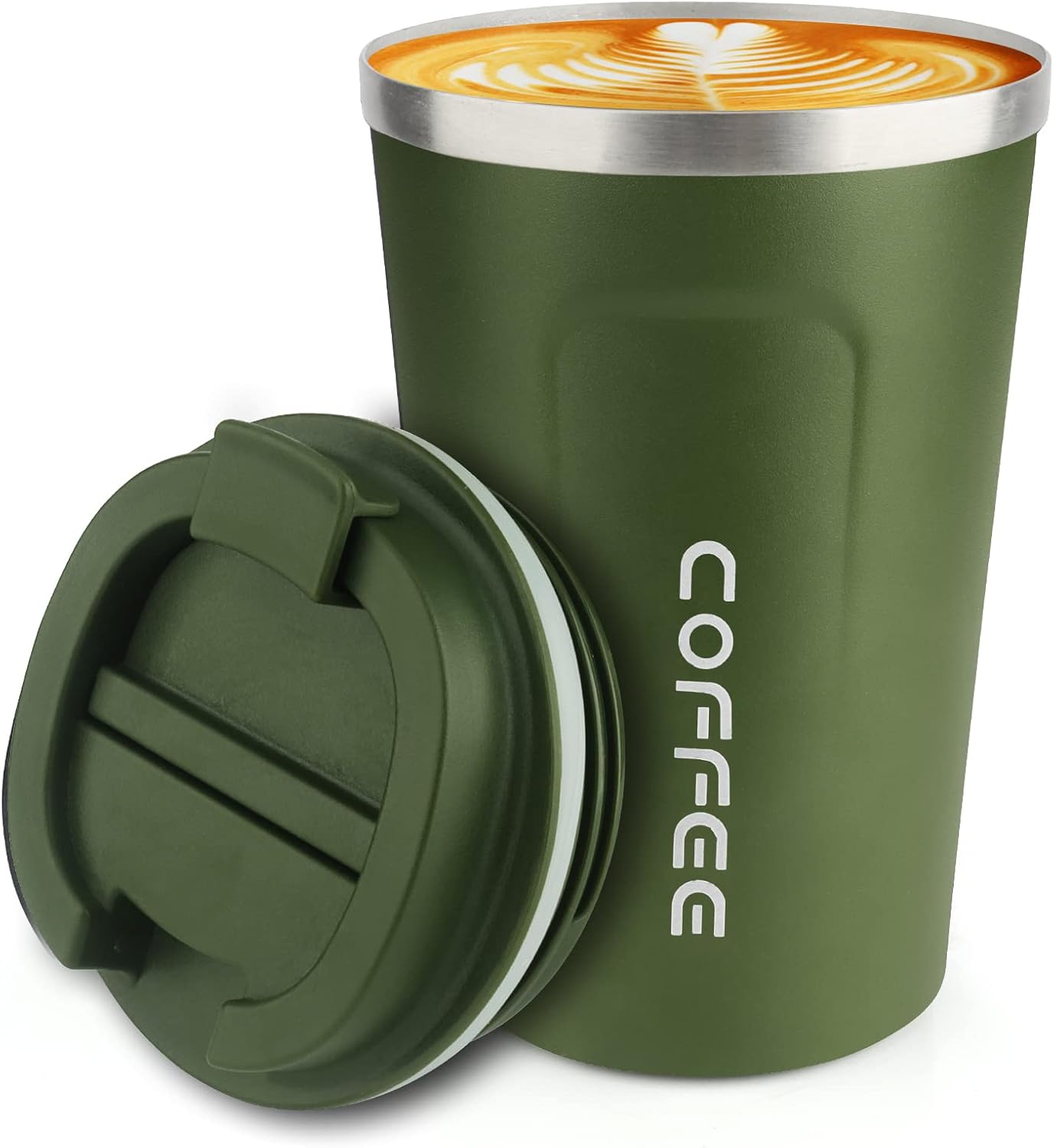
The CS COSDDI Insulated Tumbler keeps drinks cold or hot while you work. A simple option like this may not cool the room, but it helps make your desk routine more comfortable.
It is best for people who forget to drink water, work long hours, or want cold drinks nearby without constant trips to the kitchen.
For example, keeping ice water next to your laptop during a warm afternoon can make your workspace feel more manageable. Something like this is also easy to add to a clean workspace without taking up much room.
A small, practical upgrade you will probably use every day.
ComfiLife Gel Seat Cushion

The ComfiLife Gel Seat Cushion is designed to add support and reduce discomfort during long sitting sessions. A comfort upgrade like this is useful if your office chair feels warm, flat, or unsupportive.
This product is above the $30 range, but it may still be worth considering if chair comfort is your main issue.
It is best for people who sit for long hours and want more support while working, studying, or driving. The gel and memory foam design can make an ordinary chair feel more comfortable.
If you often shift around in your chair by mid-afternoon, something like this can help your setup feel more supportive.
One of those upgrades that can make long desk sessions feel easier.
Kensington Duo Gel Wrist Rest Bundle

The Kensington Duo Gel Wrist Rest Bundle includes wrist support for both keyboard and mouse use. A tool like this helps create a more comfortable typing and mousing position.
This product is also above the $30 range, but it fits the cooling and comfort theme because of its gel design.
It is best for people who type for hours, edit content, study online, or use a mouse heavily throughout the day.
A real-life scenario is writing, researching, or managing spreadsheets for several hours while your wrists rest on a cooler, softer surface. This type of desk comfort upgrade can make your workspace feel more polished and easier to use.
A simple addition that improves comfort without changing your entire desk.
If your desk also feels messy, these cable organizers for a clutter-free desk can help your cooling gadgets fit into a cleaner setup.
What to Look For Before Buying
Before choosing a cooling gadget, keep the decision simple. You do not need to overthink this.
First, decide what you actually want to cool. If you want personal airflow, choose a desk fan, clip-on fan, or neck fan. If your laptop gets warm, choose a cooling pad. If your chair feels uncomfortable, consider a cushion or wrist support.
Second, look at your available space. Small desks usually work better with clip-on fans, compact fans, or wearable fans.
Third, think about noise. If you take calls or record content, quieter options are usually better.
Fourth, consider portability. Rechargeable gadgets are easier to move between rooms, desks, and study areas.
Finally, avoid buying too many similar items. One good fan, one comfort upgrade, and one hydration item can be enough to make your desk feel noticeably better.
Conclusion
A cooler desk setup does not need to be complicated. The right small upgrade can help you stay more comfortable, focused, and productive during warm workdays.
For most people, a compact desk fan, clip-on fan, laptop cooling pad, or insulated tumbler is enough to make the workspace feel better almost immediately.
Start with the issue that bothers you most. If your desk feels hot, add airflow. If your laptop gets warm, improve ventilation. If long sitting feels uncomfortable, upgrade your chair or wrist support.
You can also explore more comfortable home office setup ideas if you want to keep improving your workspace without making it complicated.