
Working from home comes with freedom—but also constant distractions. Loose cables, phone notifications, eye strain, and background noise slowly chip away at your ability to focus.
The right desk accessories don’t increase productivity by force. They reduce friction. They remove small, repetitive distractions that quietly drain attention throughout the day.
Prices are approximate and may change. Ratings and review counts reflect current product data.
Below are practical desk accessories that help you stay focused while working from home. Every item solves a specific problem that most remote workers deal with daily.
D-Line Cable Management Box (~$28)

D-Line Cable Management Box is a large cable storage box designed to hide power strips, adapters, and excess cords inside a clean enclosure.
It’s useful because visible cables create constant visual clutter. Even when you’re not consciously looking at them, your brain processes the mess, which reduces focus over long work sessions. This box keeps everything out of sight and out of mind.
Aothia Leather Desk Pad (~$9)

The Aothia Leather Desk Pad is a slim, non-slip desk mat that protects your desk while defining a clear workspace for your keyboard and mouse.
It’s useful because it reduces glare, softens typing noise, and makes the desk feel more intentional. The leather surface is comfortable for long hours and instantly makes a desk look calmer and more organized.
OMOTON Adjustable Phone Stand (~$9)

The OMOTON Adjustable Phone Stand is an aluminum desktop stand that holds your phone upright at a comfortable viewing angle.
It’s useful because it prevents constant phone handling. With your phone visible but stationary, you can check notifications when needed without falling into unconscious scrolling habits.
livho Blue Light Blocking Glasses (~$14)

livho Blue Light Blocking Glasses are clear-lens computer glasses designed to filter blue light from screens without darkening your vision.
They’re useful because long hours in front of a monitor often lead to eye strain, headaches, and mental fatigue. Reducing eye strain helps you stay focused longer, especially in the afternoon.
Valet Tray with Wireless Charging (~$34) – Optional Upgrade

This Valet Tray with Built-In Wireless Charging combines small-item organization with a dedicated phone charging spot.
It’s useful because loose items like keys, earbuds, and wallets create visual noise on a desk. Keeping everything in one tray reduces interruptions and decision fatigue during the workday.
TIME TIMER Home MOD – 60 Minute Visual Timer (~$20)
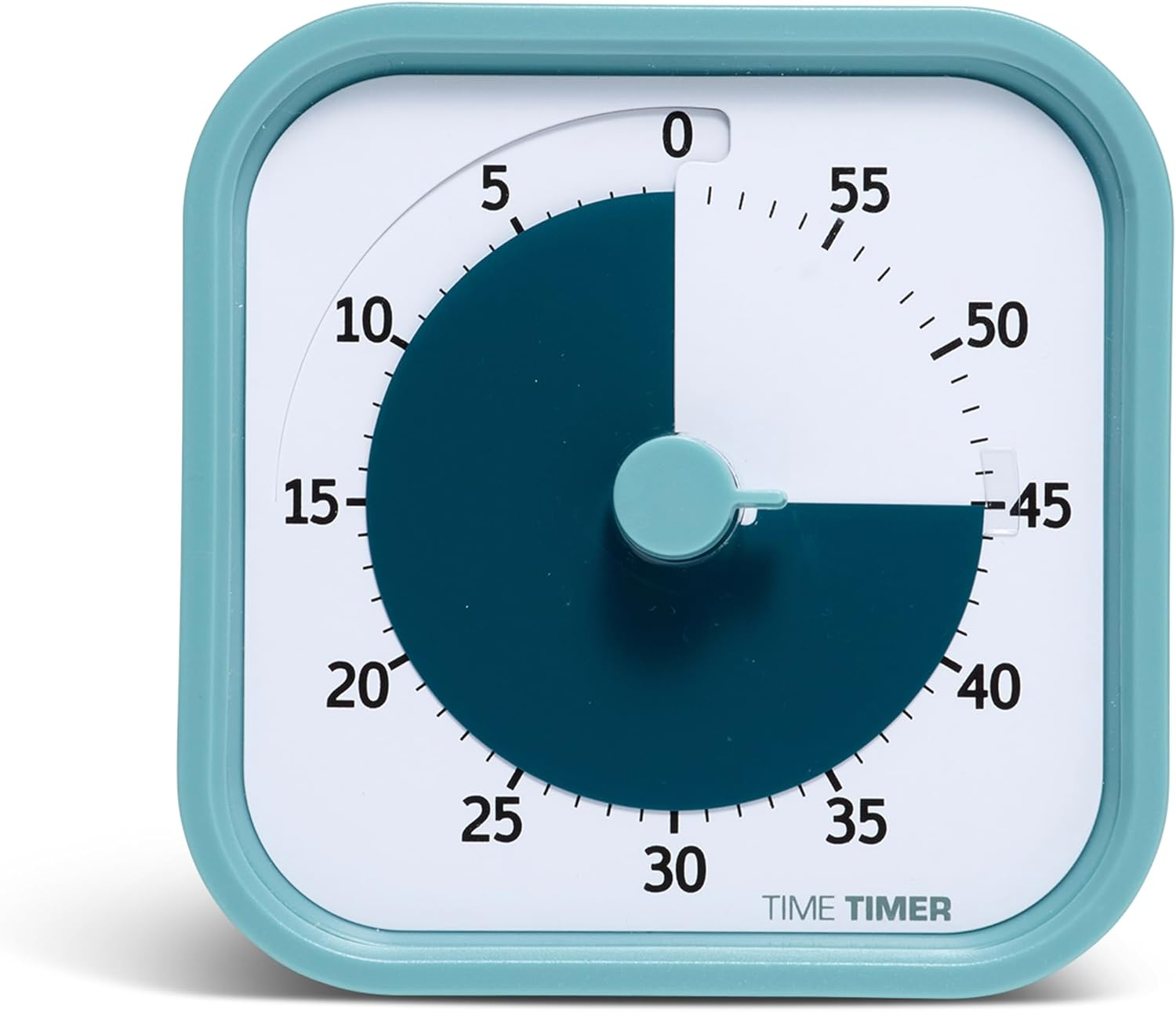
The TIME TIMER Home MOD is a physical visual timer that shows time passing using a colored disk instead of numbers.
It’s useful because it keeps time management completely offline. There are no notifications, no apps, and no temptation to check your phone while tracking focused work sessions.
ReFocus Clamp-On Acoustic Desk Divider (~$69) – Premium Focus Upgrade
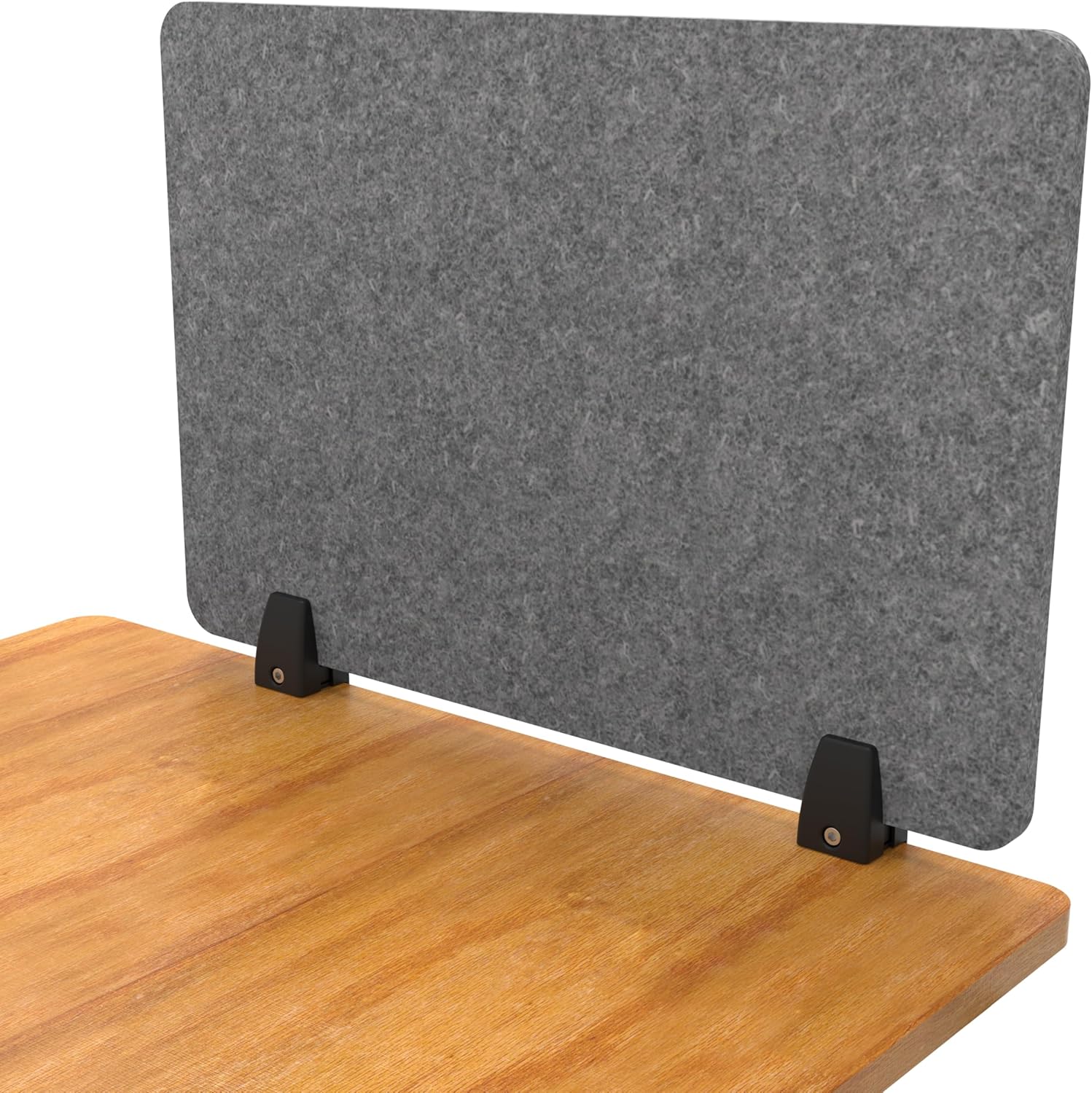
The ReFocus Clamp-On Acoustic Desk Divider is a felt privacy panel that attaches directly to your desk to reduce visual distractions and dampen background noise.
It’s useful because movement and ambient sound are major focus killers in shared or open spaces. This divider creates a clear visual boundary that signals “focus mode” to your brain.
Final Thoughts
Focus isn’t about working harder. It’s about removing distractions before they drain your energy.
The best desk accessories for focus don’t overwhelm your setup. They simplify it. They make it easier to stay present and finish tasks without constant interruptions.
Even small upgrades—like cable control, a desk pad, or a physical timer—can noticeably improve how long and how well you stay focused while working from home.
If cable clutter is one of your biggest distractions, you can also check out our in-depth guide on desk cable management solutions for a cleaner, more focused workspace.