
Introduction
Working from home sounds simple: a laptop, a chair, and a quiet corner of the house. But after a few weeks of remote work, most people realize something important — a basic setup often turns into a daily source of discomfort.
Maybe your neck hurts by noon. Your desk is cluttered. Your lighting gives you eye strain during afternoon meetings. Or maybe you just feel less focused than you expected.
The truth is that a productive home office isn’t built around expensive furniture or trendy tech. It’s built around small, practical improvements that remove friction from your workday.
That’s exactly what this guide is about.
If you’re a remote worker, freelancer, student, or hybrid employee trying to improve your desk setup without spending a fortune, this article will help you make smarter choices.
In this guide, you’ll learn:
- The core foundations of a productive desk setup
- The most useful desk gadgets for remote workers in 2026
- How to prioritize upgrades on a realistic budget
- The common mistakes that quietly ruin productivity
You don’t need a designer office to work comfortably. You just need the right tools in the right places.
Let’s start with the fundamentals.
Core Foundations of a Productive Desk Setup
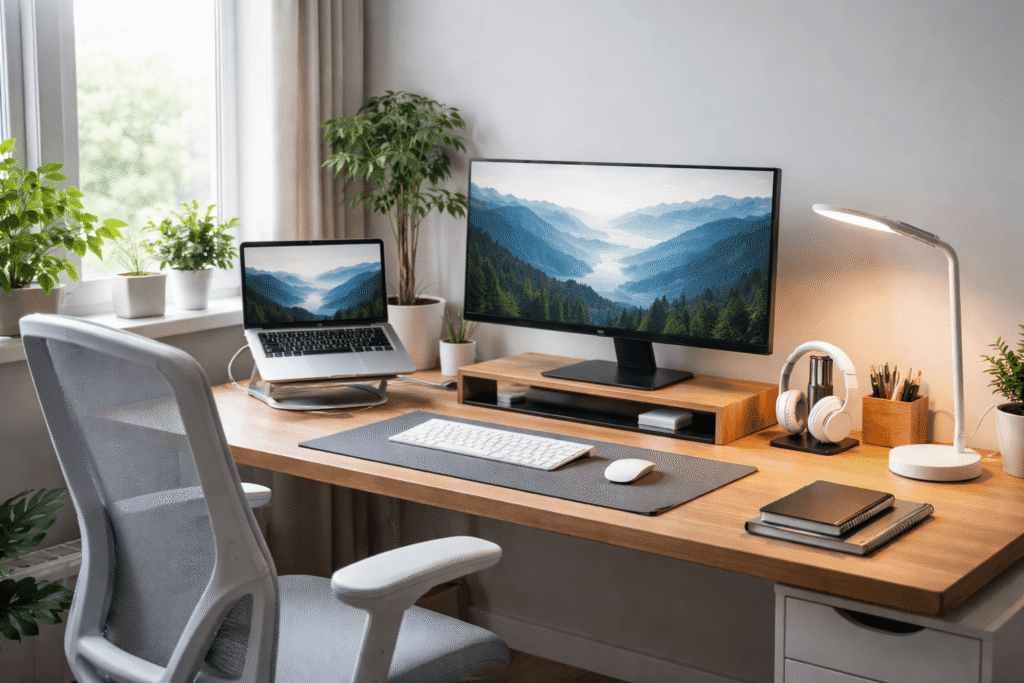
Before looking at gadgets or upgrades, it’s important to understand what actually makes a desk setup work well.
Most remote workers struggle not because they lack equipment — but because the setup itself doesn’t support the way they work.
A well-designed desk environment typically improves four key areas:
- Ergonomics
- Lighting
- Organization
- Focus
When these foundations are working together, productivity becomes much easier.
Ergonomics: Protecting Your Body During Long Work Hours
Remote workers often sit for 6–10 hours per day. Without proper ergonomics, that quickly leads to neck pain, lower back strain, and wrist discomfort.
The goal of ergonomics isn’t perfection — it’s reducing stress on your body.
Basic ergonomic principles include:
- Screen positioned roughly at eye level
- Wrists resting in a neutral position
- Feet supported on the floor or a footrest
- Lower back supported by the chair
Small adjustments like raising your laptop or adding a wrist rest can make a noticeable difference over time.
Lighting: Reducing Eye Strain
Lighting is one of the most overlooked parts of a home office.
Many people rely on overhead lights or dim room lighting, which forces your eyes to constantly adjust between the screen and surrounding environment.
A good desk lighting setup should:
- Illuminate your desk without glare
- Reduce harsh contrast between the screen and the room
- Provide adjustable brightness
In many cases, a simple desk lamp upgrade can significantly reduce eye fatigue.
Organization: Reducing Visual and Mental Clutter
Cluttered desks often lead to cluttered thinking.
When cables, notebooks, chargers, and devices pile up on the desk surface, it becomes harder to focus on actual work.
Organization tools help by:
- Freeing up desk space
- Keeping frequently used items accessible
- Reducing visual distractions
Even simple improvements like cable management or a desk organizer can make the workspace feel calmer.
Focus: Creating a Work-Ready Environment
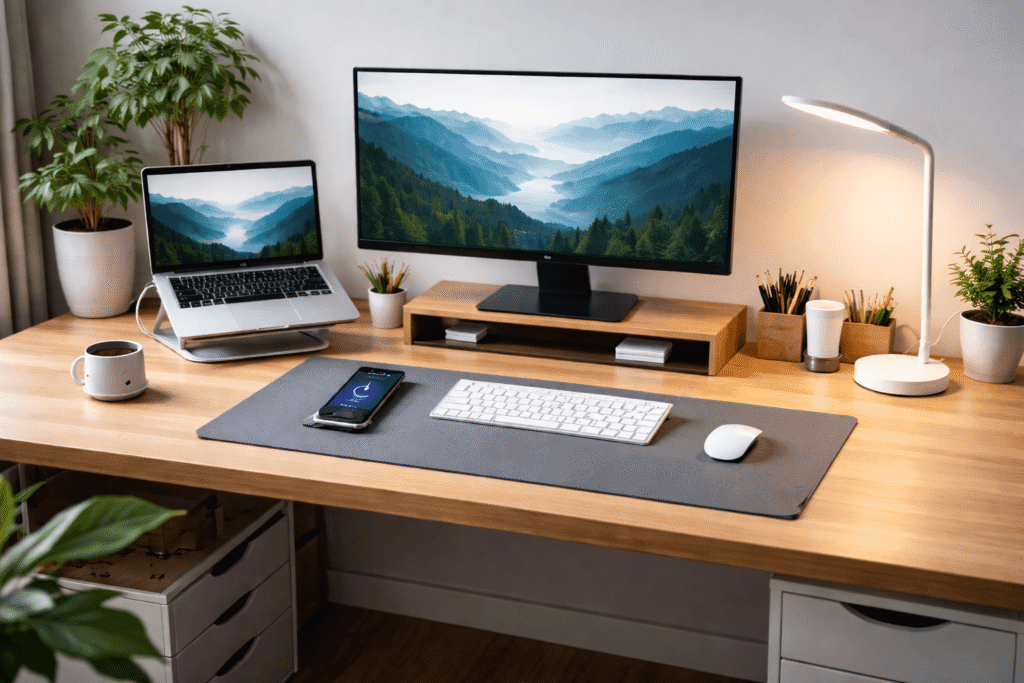
Working from home introduces constant distractions — phones, background noise, household movement, and digital interruptions.
Some desk tools help create a focus-friendly environment by:
- Reducing noise
- Improving posture and comfort
- Minimizing unnecessary movement during work
The right desk gadgets quietly support your workday without demanding attention.
Now that we understand the foundations, let’s look at the most useful desk gadgets for remote workers today.
Practical Desk Gadget Recommendations
Below are some of the most practical desk upgrades that remote workers consistently find useful.
These aren’t flashy tech gadgets. They’re small improvements that remove daily annoyances and make work easier.
1. Laptop Stand or Monitor Riser
One of the fastest ways to improve posture is simply raising your screen to eye level.
Many remote workers spend years looking down at a laptop, which creates neck strain and shoulder tension.
A simple stand helps bring the screen into a healthier viewing position.
Example products:
These solutions also create extra space underneath the screen for keyboards or notebooks.
2. Adjustable LED Desk Lamp
Eye strain is extremely common among remote workers, especially during late afternoon or evening work sessions.
An adjustable desk lamp allows you to control brightness and reduce glare on your screen.
Look for lamps that offer:
- Multiple brightness levels
- Adjustable angles
- Warm and cool light settings
Example product:
Good lighting is one of the most cost-effective productivity upgrades you can make.
3. Desk Cable Management System
Cables quickly become one of the biggest visual distractions on a desk.
Chargers, monitor cables, keyboard wires, and USB hubs often end up tangled behind or underneath the desk.
Cable management tools help keep everything organized.
Example products:
These small upgrades make your workspace feel cleaner and easier to maintain.
4. Ergonomic Wrist Rest
Typing for long periods can place pressure on the wrists, especially if the keyboard sits higher than the desk surface.
A wrist rest supports the forearms and keeps the wrists aligned.
Example products:
While not everyone needs one, many remote workers find them helpful during long typing sessions.
5. Desk Organizer Tray
When small items spread across your desk, they create constant visual noise.
A simple organizer tray helps contain those items in one place.
Common uses include storing:
- Pens and markers
- USB drives
- Sticky notes
- Charging cables
- AirPods or small tech accessories
Example product:
Even a small organizer can dramatically improve the feeling of order on your desk.
6. Compact USB Hub or Dock
Many modern laptops have limited ports, which can quickly become frustrating when connecting multiple devices.
A USB hub solves this by expanding connectivity.
Example product:
This allows you to connect external monitors, keyboards, storage drives, and other devices without constantly plugging and unplugging cables.
7. Footrest for Desk Comfort
Footrests are often overlooked, but they can improve comfort during long work sessions.
They help maintain proper posture by supporting the legs and improving circulation.
Example product:
Footrests are particularly helpful if your chair height prevents your feet from resting comfortably on the floor.
8. Noise-Reducing Headphones or Earbuds
Home environments can be unpredictable — conversations, appliances, street noise, or roommates.
Noise-reducing headphones help maintain focus during deep work sessions or meetings.
Example product:
Even passive noise isolation can significantly improve concentration.
Budget Strategy: Building Your Desk Setup Gradually
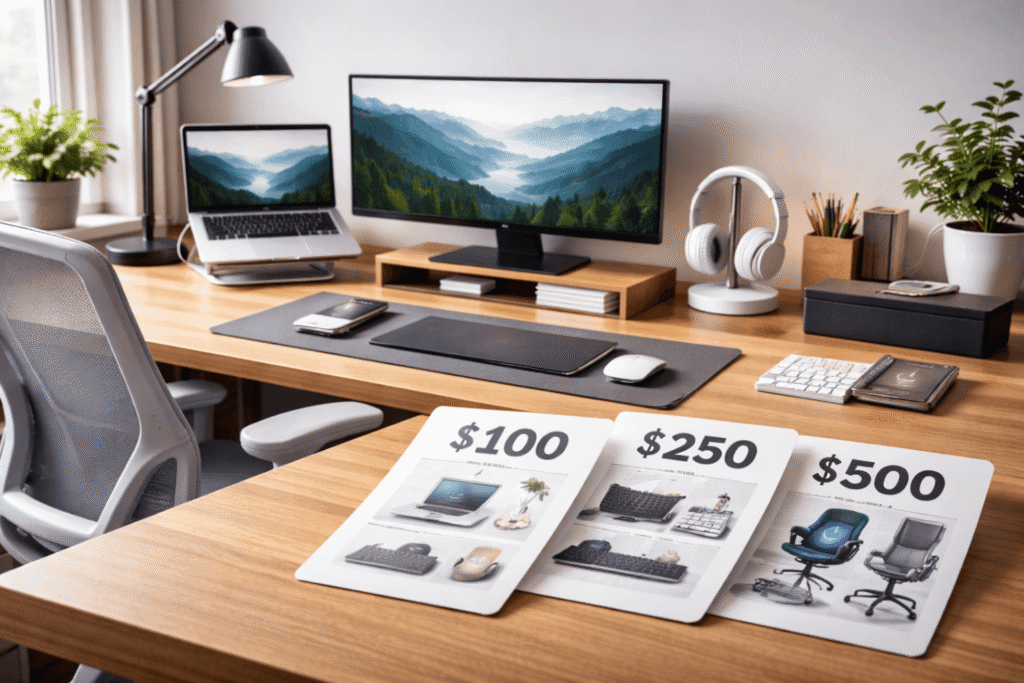
One of the biggest misconceptions about desk setups is that they require large upfront investments.
In reality, the smartest approach is gradual upgrades.
Here’s how to prioritize improvements depending on your budget.
If Your Budget Is Around $100
Focus on the improvements that provide the biggest daily impact.
Recommended upgrades:
- Laptop stand or monitor riser
- Adjustable desk lamp
- Basic cable management clips
- Simple desk organizer tray
These upgrades improve posture, lighting, and organization without major spending.
If Your Budget Is Around $250
At this level, you can begin improving comfort and functionality.
Recommended upgrades:
- Laptop stand or monitor riser
- Adjustable desk lamp
- Cable management tray
- Ergonomic wrist rest
- USB hub or docking adapter
- Basic footrest
This budget allows you to address ergonomics, organization, and connectivity.
If Your Budget Is Around $500
With a $500 budget, you can start building a much more comfortable and efficient workspace.
Recommended priorities:
- Ergonomic chair upgrade
- High-quality desk lighting
- Cable management system
- Laptop stand or monitor riser
- USB hub or dock
- Noise-reducing headphones
At this level, you’re moving from basic fixes to long-term comfort upgrades.
Still, it’s wise to buy gradually instead of replacing everything at once.
Common Desk Setup Mistakes
Even with the right gadgets, certain mistakes can quietly reduce productivity and comfort.
Here are some of the most common ones.
1. Buying Too Many Gadgets at Once
Many people attempt to upgrade their desk by purchasing multiple products at the same time.
This often leads to wasted money and unused tools.
Instead, upgrade gradually and observe what actually improves your workflow.
2. Ignoring Ergonomics
Aesthetic desk setups often look great online but ignore body positioning.
If your screen is too low or your chair lacks support, productivity will suffer no matter how good the setup looks.
Comfort should always come before appearance.
3. Poor Cable Management
Loose cables create both visual clutter and practical problems.
They collect dust, get tangled, and make cleaning your desk more difficult.
A few cable clips or a tray can prevent this issue entirely.
4. Overcrowding the Desk Surface
Many people add gadgets without removing anything else.
Eventually, the desk becomes crowded with accessories.
Try to maintain clear workspace areas for typing, writing, and mouse movement.
5. Relying Only on Overhead Lighting
Overhead lights often create glare on screens or leave parts of the desk poorly lit.
A dedicated desk lamp creates better lighting balance.
6. Ignoring Breaks and Movement
No desk setup can replace movement.
Standing up, stretching, and walking for a few minutes each hour are essential for long-term health.
Even the best ergonomic setup can’t compensate for sitting still all day.
Final Summary + Action Plan
Improving your desk setup doesn’t require expensive furniture or complicated technology.
Small upgrades can dramatically improve comfort, focus, and productivity.
Key Takeaways
- Ergonomics should always be the first priority
- Good lighting reduces eye strain and fatigue
- Organization tools help create a calmer workspace
- Cable management improves both function and appearance
- Gradual upgrades are smarter than large purchases
A Simple Upgrade Plan
If you’re starting from scratch:
- Raise your screen with a laptop stand or monitor riser
- Add an adjustable desk lamp
- Organize cables and small items
- Improve typing comfort with wrist support
- Upgrade connectivity with a USB hub
From there, you can slowly improve your setup with better seating, foot support, or noise control.
A productive workspace isn’t built overnight.
But with thoughtful upgrades and a realistic budget, your desk can become a place that supports your work instead of getting in the way.