
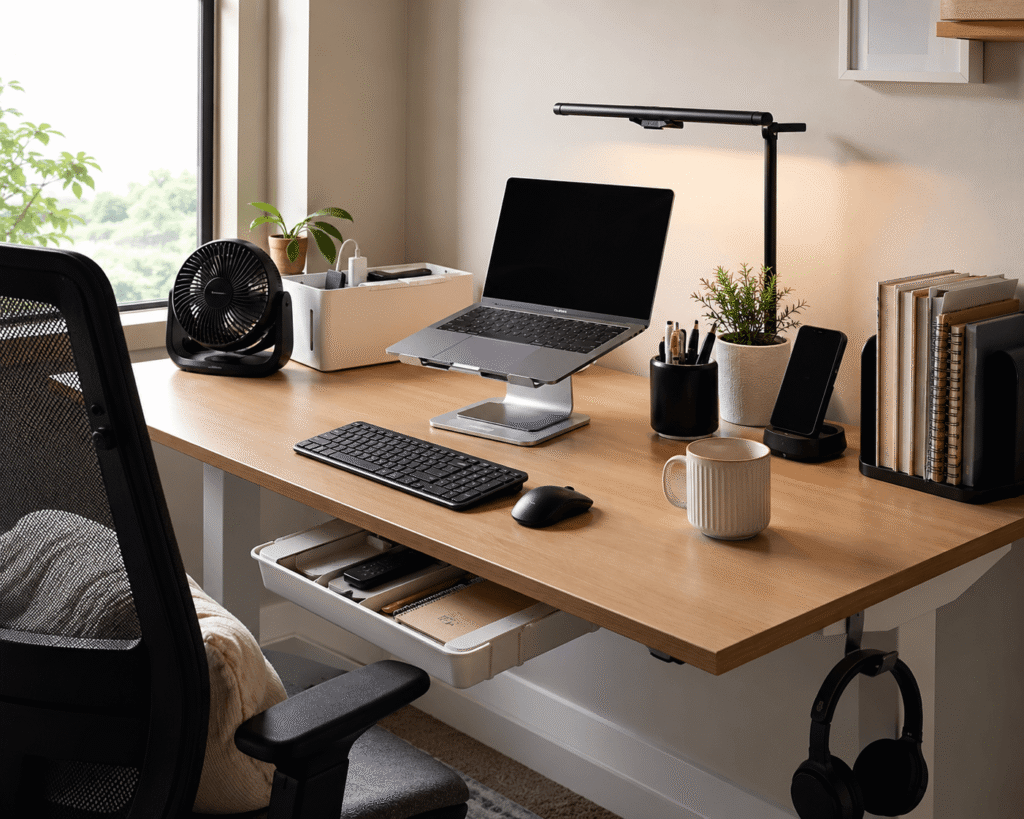
Disclosure: As an Amazon Associate I earn from qualifying purchases.
Introduction
Summer heat and long work hours can make any desk feel uncomfortable. If you’re working from a home office or a small apartment setup, you know the struggle of sticky wrists, cluttered surfaces, and that afternoon slump when focus completely disappears.
The good news is you don’t need a complete office overhaul to feel better. A few small tweaks under $50 can make a real difference in how comfortable and productive you feel throughout the day.
If you’re working with a smaller desk setup, these upgrades are especially useful because they take up minimal space while solving real problems. For more compact workspace ideas, check out our guide on best desk accessories for studio apartments.
Quick Picks
Best Overall: The Amazon Basics Laptop Stand — a balanced option that works well for most everyday setups at ~$29.95 with 4.6 ⭐ from 3,535+ reviews.
Best Budget Option: The WALI Monitor Stand — a simple solution that solves a common problem without breaking the bank at ~$9.78 with 4.7 ⭐ from 15,567+ reviews.
Best for Small Desks: The Bostitch Under Desk Drawer — compact additions that fit neatly into tight spaces without cluttering your surface at ~$11.97 with 4.5 ⭐ from 811+ reviews.
Prices are approximate and may change. Ratings and review counts reflect current product data.
Cooling and Comfort Upgrades for Summer
Amazon Basics Air Circulator Fan

A tool like this is one of the easiest ways to stay comfortable during warmer months. This compact fan from Amazon Basics sits directly on your desk and circulates air around your workspace, keeping you cool while you type or take calls. With three speed settings and a 90-degree tilt head, you can direct airflow exactly where you need it.
If you’ve ever felt drained by a stuffy room mid-afternoon, a fan like this helps maintain focus by regulating your temperature. It’s especially helpful if your workspace doesn’t have great airflow.
With ~4.3 ⭐ from over 71,860 reviews and a price around ~$17.99, this fan is a trusted choice for thousands of remote workers. Most users mention how quiet it runs, so it won’t distract during meetings.
A simple upgrade you’ll notice right away.
Iron Flask Water Bottle

Staying hydrated is essential during summer, and having cold water within reach makes a real difference. The Iron Flask water bottle keeps drinks cold for hours with its insulated stainless steel design, so you’re not constantly getting up for refills.
A simple option like this helps you maintain focus by keeping hydration convenient. The straw lid makes it easy to drink without interrupting your workflow, and the 24 oz size is large enough to last through long meetings.
Best for anyone who forgets to drink water during the workday or wants to reduce trips to the kitchen. At ~$16.99 with 4.7 ⭐ from 19,057+ reviews, it’s a durable choice that fits neatly in a desk cupholder or side shelf.
A practical addition that makes your desk feel more complete.
Gorilla Grip Wrist Rest

Typing for hours can cause strain that builds up slowly. The Gorilla Grip wrist rest provides a cushioned surface that keeps your hands in a neutral position, which can reduce fatigue over time. The memory foam conforms to your wrists while the non-slip base keeps it firmly in place.
This type of upgrade is especially helpful if you spend more than four hours a day at your computer. The support helps prevent unnecessary pressure on your wrists while keeping your posture more relaxed. You can also pair it with a mouse pad for complete ergonomic coverage.
It’s best for remote workers, students, or anyone who types regularly. Adding a budget-friendly option like this takes seconds and makes a noticeable difference in comfort — especially at ~$10.19 with 4.5 ⭐ from 6,933+ reviews.
A practical addition that makes your desk feel more ergonomic.
Airlonv LED Desk Lamp

Digital eye strain is real, and summer light makes it worse when windows bring in extra brightness. The Airlonv LED Desk Lamp provides eye-caring illumination that reduces harsh glare during long work sessions. Its flexible gooseneck design lets you position light exactly where you need it.
It’s also helpful if you work late and want to maintain better sleep patterns. Many people don’t realize how much lighting affects their focus until they try a simple solution like this. With stepless dimming, you can adjust brightness from soft to bright depending on the time of day.
Best for anyone staring at a screen for extended periods. At ~$19.92 with 4.6 ⭐ from 7,985+ reviews, it’s a versatile addition that clamps easily to any desk edge.
One of those small upgrades that can make daily work feel smoother.
Organization and Space-Saving Essentials
Yecaye Cable Management Box

If your desk looks messy because of tangled cords, this is one of the simplest fixes. The Yecaye Cable Management Box collects power strips and loose wires into one clean container, hiding the chaos without requiring any setup skills. The pet-friendly and child-proof design makes it safe for households with little ones or curious pets.
You place it on the floor or under your desk, bundle the cables inside, and route one cord out through the top. A desk upgrade like this takes five minutes and instantly makes your workspace look cleaner.
For more workspace organization ideas, you can also explore our guide on best apartment desk setup accessories to keep your entire space tidy.
With ~4.6 ⭐ from 4,359+ reviews at ~$23.99 for a two-pack, it’s an affordable way to eliminate cord clutter.
Easy to add without changing your whole desk.
Bostitch Under Desk Drawer

Small items like pens, sticky notes, earbuds, and chargers tend to spread out across the surface. The Bostitch Under Desk Drawer creates hidden storage that slides out when you need it and tucks away when you don’t. With four customizable dividers, you can organize supplies exactly how you like.
This type of organizer attaches with self-adhesive strips, so there’s no drilling or permanent installation required. It’s a practical option if you like having tools accessible but prefer them not scattered across your desk.
Best for students, remote workers, or anyone with limited space who wants to keep essentials nearby. For more ideas, check out our best under desk storage solutions guide.
At ~$11.97 with 4.5 ⭐ from 811+ reviews, it’s a smart way to reclaim surface space.
Easy to add without changing anything else you’re doing.
Simple Houseware Organizer Tray

A clean workspace starts with designated spots for everyday items. The Simple Houseware Organizer Tray features 9 adjustable compartments that let you customize the layout for pens, sticky notes, chargers, and other small tools. It works both inside a drawer or directly on your desk surface.
A simple solution like this prevents items from spreading out and makes it easy to find what you need quickly. You’ll spend less time searching and more time focused on your work.
It’s best for anyone who wants a tidy, organized space without overcomplicating things. At ~$15.87 with 4.7 ⭐ from 6,056+ reviews, it’s a top-rated choice.
A practical upgrade for everyday use.
Odistar Desktop Vacuum
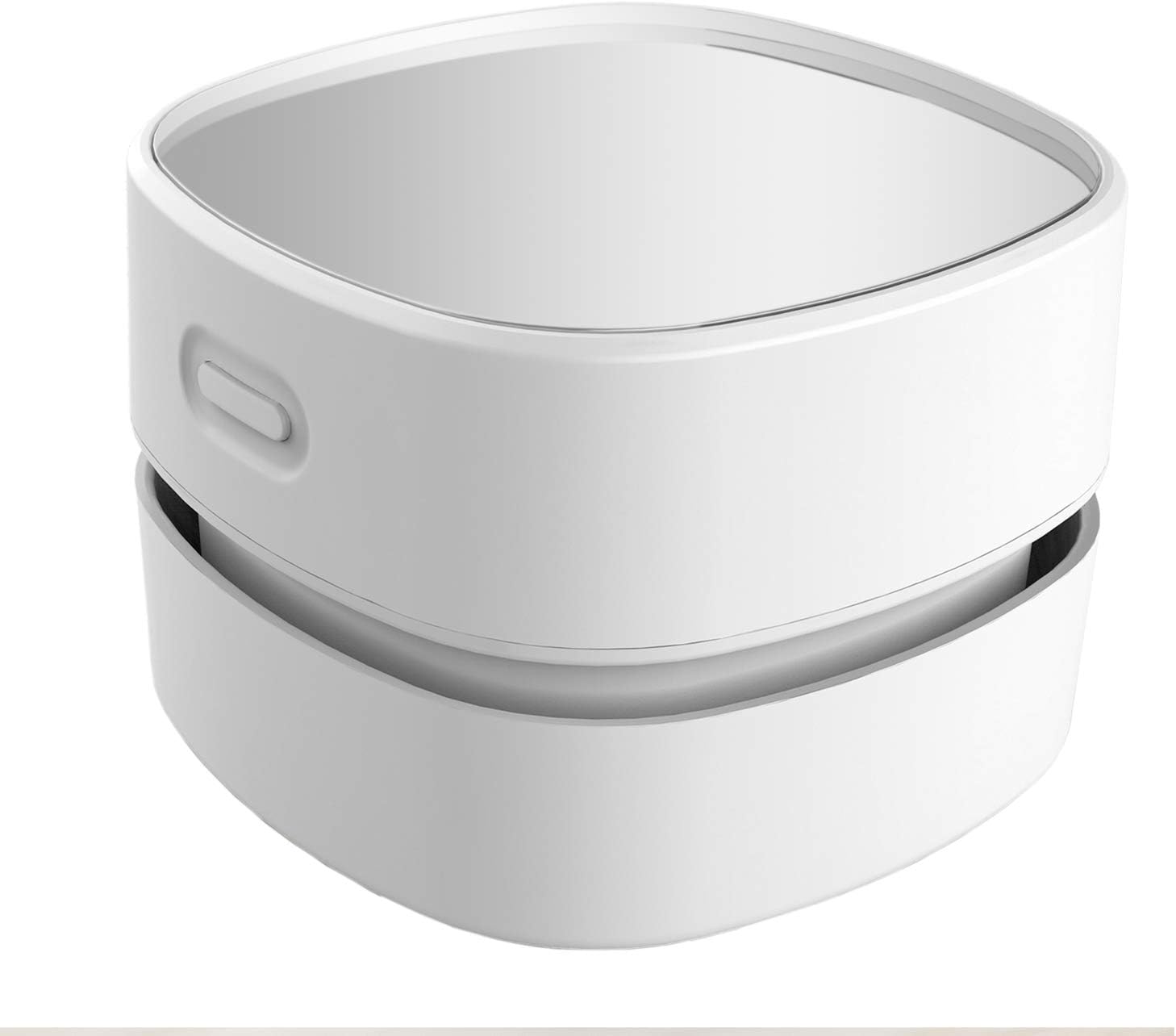
Crumbs, dust, and debris collect on desks faster than you’d expect. The Odistar Desktop Vacuum is a tiny cordless sweeper that cleans up messes in seconds without needing a full-size vacuum. Its 360-degree rotatable design reaches between keyboard keys and along desk edges.
A no-fuss option like this keeps your workspace clean without disrupting your flow. It runs for up to 90 minutes on AA batteries and sits unobtrusively in a drawer when not in use.
Best for anyone who eats at their desk or wants to maintain a clean workspace with minimal effort. At ~$12.98 with 4.2 ⭐ from 10,374+ reviews, it’s a convenient addition.
A simple upgrade you’ll notice right away.
Ergonomics and Posture Support
WALI Monitor Stand

If you use an external screen, the WALI Monitor Stand frees up surface space and lets you adjust height, angle, and distance with ease. The sturdy metal construction elevates your monitor while creating useful storage underneath for notes, a keyboard, or office supplies.
A tool like this is particularly useful for multi-monitor setups or for anyone who wants flexible positioning throughout the day. It supports up to 33 pounds and features a sleek black finish that blends with any desk.
Best for remote workers or anyone using dual screens. At ~$9.78 with 4.7 ⭐ from 15,567+ reviews and Amazon’s Choice status, it’s an incredible value.
If you want a cleaner home office setup, this is one of the most practical changes you can make.
A simple upgrade you’ll notice right away.
Amazon Basics Laptop Stand

A laptop stand raises your screen to eye level, which helps reduce neck strain from looking down for hours. It’s one of the most useful additions you can make for under $50. The Amazon Basics stand features ventilated cooling to prevent overheating — especially helpful in summer when devices run hot.
This type of upgrade also folds flat for easy storage and fits all laptops up to 15.6 inches. With multiple height settings, you can find the perfect viewing angle for your setup.
It’s best for anyone using a laptop as their primary display. With ~4.6 ⭐ from 3,535+ reviews at ~$29.95, it’s an Amazon’s Choice product for good reason.
You can also pair a stand like this with an external keyboard and mouse for a more comfortable sitting position. Easy to add without changing your entire setup.
What to Look For Before Buying
Before adding anything to your cart, consider your desk size. Measure your available surface space and think about how each product fits into your current layout.
Comfort matters more than looks. Pick upgrades that address something you actually struggle with, like heat, wrist fatigue, or clutter.
Storage needs are also worth thinking about. If you already have limited space, choose items that serve multiple purposes or tuck away when not in use.
Cable management and durability are easy to overlook but matter in the long run. Check that materials feel solid and that clips or holders stay in place.
Ease of use should be a factor too. If something takes more than a few minutes to set up, you’re less likely to keep using it.
Conclusion
Your desk should work for you, not against you. The summer months bring extra challenges, but small changes can make a noticeable difference in how you feel at the end of the day.
You don’t need to buy everything at once. Start with one or two upgrades that solve your biggest annoyance and build from there. Even a single new addition can improve comfort, focus, or organization.
If you’re interested in more ways to level up your workspace, you can also explore other simple desk setup improvements that match your routine.
A calmer, more comfortable desk is closer than you think.